
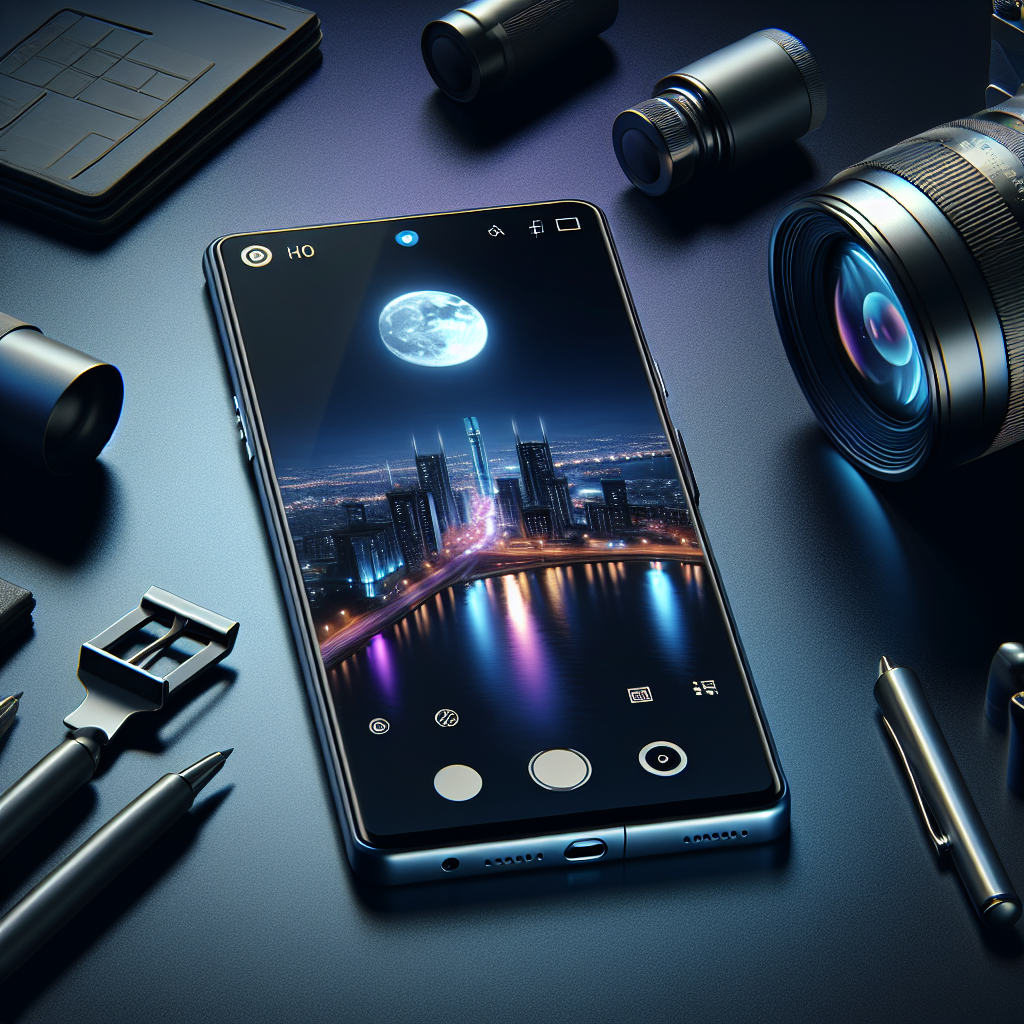
Master iPhone Night Mode: Top Photography Tips for 2025
The evolution of smartphone photography has been nothing short of revolutionary, and with each new iPhone release, Apple’s Night Mode continues to redefine what’s possible in low-light scenarios. As of 2025, the iPhone 15 Pro and its cutting-edge features have set a new benchmark for night photography. Whether you’re capturing the serene beauty of a moonlit landscape or the vibrant energy of a city after dark, mastering Night Mode is essential for any aspiring photographer. Here, we’ll explore the latest tips and features to help you capture stunning night photos with your iPhone.
Understanding Night Mode: What’s New in 2025
The iPhone 15 Pro series has introduced groundbreaking advancements in Night Mode. With the integration of the latest A18 Bionic chip, enhanced computational photography, and an upgraded triple-lens system, Night Mode is more powerful than ever. The new AI-driven algorithms automatically adjust exposure, reduce noise, and enhance details, making it easier for users to capture professional-quality photos in low-light conditions.
Improved Sensor Technology
The larger sensor size in the iPhone 15 Pro allows more light to be captured, significantly improving image quality in low-light settings. This upgrade, combined with the advanced LiDAR scanner, enables faster and more accurate focusing, even in near-darkness.
No products found.
Adaptive Exposure and Smart HDR 5
Apple’s Smart HDR 5 technology now intelligently balances elements within a frame, ensuring that highlights and shadows are perfectly exposed. The adaptive exposure feature tailors the exposure level based on the scene, providing optimal results whether you’re shooting a dimly lit street or a vibrant night market.
Essential Tips for Mastering Night Mode
1. Use a Tripod for Stability
To make the most of Night Mode, stability is key. While the iPhone 15 Pro’s image stabilization is exceptional, using a tripod can help eliminate any residual blurring caused by hand movements. This is especially crucial for long-exposure shots where even the slightest shake can affect image clarity.
2. Experiment with Exposure Time
One of the advantages of the 2025 Night Mode is the ability to manually adjust exposure time. While the default setting usually does a great job, manually extending the exposure can let in more light and reveal details that are otherwise hidden. Experiment with different exposure times to achieve the desired effect.
3. Leverage ProRAW for Greater Control
The ProRAW format continues to be a game-changer, offering photographers the ability to edit their images with greater flexibility. When shooting in Night Mode, ProRAW allows you to fine-tune elements such as white balance and noise reduction, resulting in a more polished final image.
4. Utilize the Ultra-Wide and Telephoto Lenses
The iPhone 15 Pro’s ultra-wide and telephoto lenses are perfect for creative compositions in Night Mode. The ultra-wide lens can capture expansive cityscapes, while the telephoto lens is ideal for focusing on distant details without compromising on quality. Switching between lenses depending on the scene can enhance the storytelling aspect of your photography.
Exploring Creative Night Photography Techniques
1. Capture Light Trails
Light trails can add a dynamic element to your night photos. Position your iPhone at a vantage point overlooking a road or busy street, and set up a long exposure to capture the trailing lights of moving vehicles. This technique is great for adding a sense of motion and energy to your images.
2. Play with Reflections
Reflective surfaces, such as puddles or glass buildings, can be used creatively in Night Mode. Look for reflections of city lights or neon signs to add depth and interest to your compositions. The key is to find the right angle that incorporates both the reflection and the original light source.
3. Focus on Silhouettes
Silhouettes can create striking contrast in night photography. Position your subject against a brightly lit background, such as a lit skyline or a moonlit sky, and use the contrast to highlight the shape and form. Silhouettes add drama and can convey powerful narratives in your photos.
Post-Processing Tips for Night Mode Photos
1. Enhance Details with Editing Apps
After capturing your night shots, use editing apps like Adobe Lightroom or Snapseed to enhance details. Adjust the contrast to bring out textures, and play with the shadow and highlight sliders to achieve a balanced look. These apps offer a range of tools that can help refine your images to professional standards.
2. Color Grading for Mood
Color grading can dramatically change the mood of your night photos. Experiment with different color tones to evoke specific emotions. Warm tones can create a cozy, inviting atmosphere, while cooler tones might emphasize a sense of mystery or solitude.
3. Reduce Noise for a Cleaner Image
Despite the iPhone 15 Pro’s advanced noise reduction capabilities, some noise may still be present in extremely low-light conditions. Use noise reduction tools in your editing app to clean up the image without losing detail. Be careful not to overdo it, as excessive noise reduction can lead to a loss of texture.
Conclusion
As we embrace 2025, the capabilities of Night Mode on the iPhone 15 Pro have opened new avenues for creativity in low-light photography. By understanding the latest features and applying these expert tips, you can elevate your night photography to new heights. Whether you’re an amateur photographer or a seasoned professional, the advancements in Night Mode technology empower you to capture the beauty of the night like never before. Embrace the darkness, experiment with your compositions, and let your creativity shine through the lens of your iPhone.




