
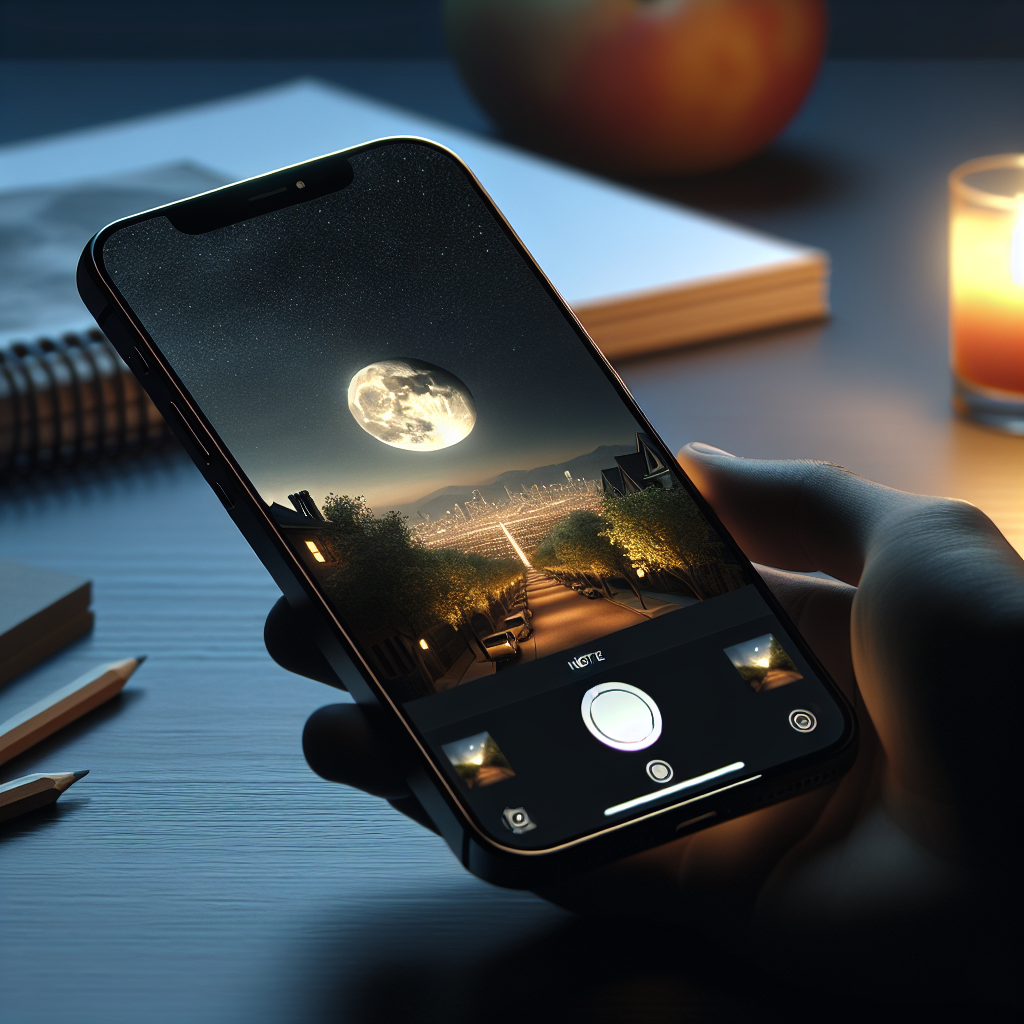
Unlock the Full Potential of iPhone Night Mode: Essential Photography Tips for 2025
In 2025, smartphone cameras continue to revolutionize the photography landscape, with Apple leading the charge. The iPhone’s Night Mode, in particular, has seen significant advancements, making it easier than ever to capture stunning low-light photos. Whether you’re shooting cityscapes under moonlight or cozy indoor settings, mastering Night Mode can elevate your photography game.
In this guide, we’ll explore the latest features of iPhone Night Mode as of 2025 and provide essential tips for maximizing its potential. We’ll cover everything from the newest hardware improvements to advanced software capabilities, ensuring you have all the tools needed to capture breathtaking photos.
iPhone Night Mode: The 2025 Evolution
The iPhone 16 series, released in 2025, has taken Night Mode to new heights. With enhanced sensors, improved computational photography algorithms, and advanced AI capabilities, capturing clear, vibrant images in low-light conditions is more accessible than ever.
No products found.
Advanced Sensor Technology
The iPhone 16 features state-of-the-art sensors that capture more light and detail than previous models. The larger sensor size, coupled with improved pixel technology, enhances the quality of night photography by reducing noise and increasing clarity.
AI and Computational Photography
Apple’s integration of AI into Night Mode has reached a new pinnacle in 2025. The A18 Bionic chip powers real-time adjustments, intelligently balancing exposure, reducing noise, and enhancing color accuracy. This results in photos with more depth and vibrancy, even in challenging lighting conditions.
Essential Tips for Mastering Night Mode
While the technology behind Night Mode is impressive, understanding how to use it effectively is key to unlocking its full potential. Here are some essential tips for capturing stunning night photos with your iPhone in 2025:
Stabilize Your iPhone
Even with advancements in image stabilization, keeping your iPhone steady is crucial for sharp night photos. Use a tripod or rest your phone on a stable surface to minimize motion blur. If you’re caught without a tripod, stabilize your elbows against your body or a solid object for added support.
Utilize the Timer Function
Engaging the timer function can be beneficial when shooting in Night Mode. This feature allows you to avoid shaking the camera when pressing the shutter. A two or three-second delay is often enough to ensure the phone is completely still when the photo is taken.
Experiment with Exposure
The iPhone’s Night Mode automatically suggests exposure times, but you can manually adjust them by tapping the moon icon and using the slider. Longer exposures can capture more light, but they require a steadier hand or support to avoid blur. Experiment with different exposure settings to find what works best for your scene.
Leverage Photographic Styles
Introduced in recent iPhone models, Photographic Styles allow you to apply a custom look to your photos without losing detail. Use these styles to enhance your night shots, whether you prefer warmer tones for a cozy indoor feel or cooler tones for cityscapes.
Use the Ultra-Wide and Telephoto Lenses
The iPhone 16’s improved Ultra-Wide and Telephoto lenses offer more flexibility in framing your shots. The Ultra-Wide lens can capture expansive nightscapes, while the Telephoto lens is perfect for zooming in on distant subjects with clarity. Experiment with these lenses to add variety to your night photography.
Explore ProRAW and ProRes Formats
For those looking to take their night photography to the next level, exploring ProRAW and ProRes formats can unlock new possibilities. ProRAW offers greater control over editing with more detail in highlights and shadows, while ProRes video allows for high-quality night video capture. Both formats provide professional-grade options for serious photographers.
Creative Techniques for Night Photography
Beyond the technical aspects, creative techniques can significantly enhance your night photography. Here are some ideas to inspire your next nighttime shoot:
Play with Reflections and Shadows
Reflections and shadows can add depth and intrigue to night photos. Look for puddles, glass surfaces, or shiny objects to create mirrored effects. Utilize shadows to add mood and contrast, transforming ordinary scenes into compelling compositions.
Capture the Movement of Light
Light trails from moving vehicles, stars, or other light sources can create dynamic and artistic images. Use longer exposure times to capture these trails, and try different angles and perspectives to enhance the effect. This technique requires patience and practice but can yield spectacular results.
Focus on Details
Sometimes, the beauty of night photography lies in the details. Focus on small elements like raindrops on a window, the texture of stone under moonlight, or the intricate patterns of city lights. These details can tell a story and evoke emotion, making your photos more impactful.
Incorporate Human Elements
Adding people to your night photos can provide scale and context, making the scene more relatable. Capture candid moments, silhouettes, or poses that interact with the environment. The human element can add life and narrative to your nighttime images.
Editing Your Night Photos
Post-processing is an essential part of digital photography, and it can enhance your night photos significantly. Here are some tips for editing night shots on your iPhone in 2025:
Adjust Highlights and Shadows
Balancing highlights and shadows can bring out details that might be lost in the original shot. Use editing tools to fine-tune these elements, ensuring that your photo retains depth and contrast.
Enhance Colors
Night photos often benefit from color enhancement to bring out the vibrancy of the scene. Adjust the saturation and vibrance settings to make colors pop without over-saturating the image.
Reduce Noise
Even with advanced sensors, some noise is inevitable in low-light conditions. Use noise reduction tools to clean up your photos, focusing on smoothing out grainy areas while preserving detail.
Utilize Apps and Software
In addition to the iPhone’s built-in editing capabilities, numerous third-party apps offer advanced editing options. Apps like Adobe Lightroom Mobile and Snapseed provide powerful tools for fine-tuning your night photos, from precise color adjustments to creative filters.
Conclusion
As we move further into 2025, the iPhone’s Night Mode continues to set the standard for mobile night photography. With cutting-edge technology and a suite of powerful tools at your fingertips, capturing stunning night photos has never been easier or more rewarding. By understanding the latest features and applying creative techniques, you can unlock the full potential of Night Mode and elevate your photography to new heights. Whether you’re a seasoned photographer or a casual enthusiast, the night sky is the limit.




