
Introduction
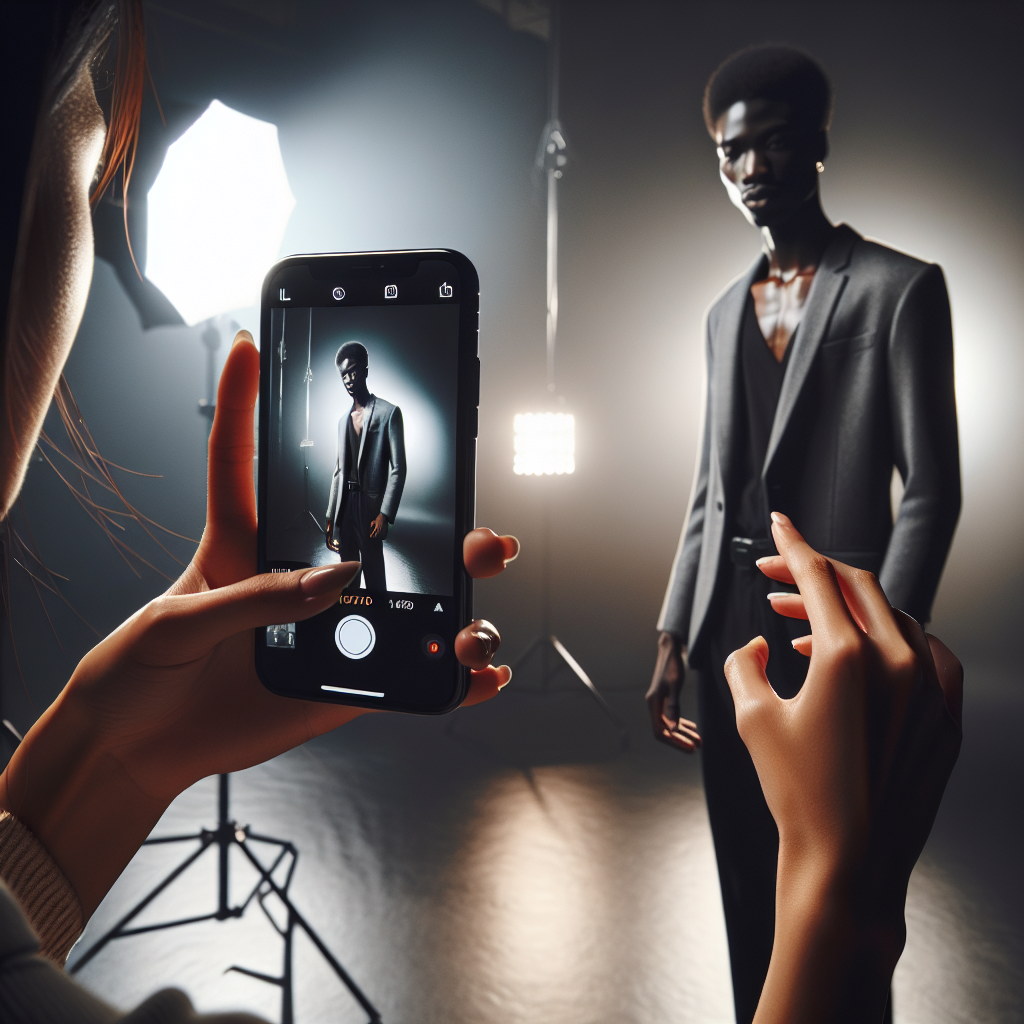
iPhone photography has transformed the way we capture the world around us. With each new model, the cameras become more sophisticated, yet user-friendly, enabling everyone to become a photographer. However, one of the most challenging aspects of photography, regardless of the device, is dealing with harsh lighting conditions. Whether it’s the midday sun or a stark overhead light, harsh lighting can create unflattering shadows, blown-out highlights, and an overall lack of detail in your images. In this article, we will explore techniques and tips to help you master iPhone photography in harsh light, allowing you to capture stunning images with ease.
Understanding Harsh Light
Before delving into techniques, it’s essential to understand what constitutes harsh light. Harsh light typically refers to bright, direct light that creates strong shadows and highlights. It’s often encountered during midday when the sun is directly overhead, or in settings with powerful artificial lights. This type of lighting can result in high contrast images with blown-out highlights and deep shadows that obscure details.
Using the iPhone’s Features
HDR Mode
High Dynamic Range (HDR) is a feature available on iPhones that can be extremely useful in harsh lighting conditions. HDR works by taking multiple photos at different exposures and blending them to create a single image with a well-balanced exposure. This means that the details in both the shadows and highlights are preserved, reducing the impact of harsh light.
Manual Exposure Adjustment
One of the simplest yet most effective tools at your disposal is manual exposure adjustment. On your iPhone, tap on the screen to set the focus, and then slide your finger up or down to adjust the exposure. Pulling down will darken the image and help retain details in the bright areas, while pulling up will brighten shadows.
No products found.
Using the Flash
While it might seem counterintuitive to use flash in bright conditions, it can actually be beneficial. The flash can help fill in shadows on your subject, especially when shooting portraits. This technique is known as fill flash and is particularly effective in backlit situations where the subject’s face is in shadow.
Composition Techniques
Find or Create Shade
One of the simplest ways to manage harsh light is to move your subject into the shade. If natural shade isn’t available, consider using a portable reflector or a piece of card to create your own. This not only reduces the harshness of the light but also ensures more even lighting on your subject.
Shoot with the Sun Behind You
Positioning the sun behind you can help eliminate harsh shadows on your subject. This method works well for landscapes and wide shots where the entire scene is illuminated evenly. However, be mindful of your own shadow creeping into the frame.
Use Silhouettes Creatively
Instead of fighting the harsh light, you can embrace it by creating silhouettes. Place your subject directly in front of the light source, and lower the exposure to capture the outline of your subject against the bright background. This technique can result in striking and dramatic images.
Editing Techniques
Use Photo Editing Apps
Even with the best in-camera techniques, editing can be a powerful tool to enhance your photos. Apps like Adobe Lightroom, Snapseed, and VSCO offer advanced controls over exposure, contrast, and color. You can easily adjust highlights and shadows to bring back lost details and balance the overall image.
Black and White Conversion
Converting your image to black and white can help reduce the distractions caused by harsh lighting. The absence of color emphasizes contrast and texture, often resulting in a more compelling image. Use editing apps to adjust the contrast and bring out the details that matter.
Practical Tips for iPhone Photography in Harsh Light
Use Polarizing Filters
Polarizing filters aren’t just for DSLRs. You can purchase clip-on polarizing filters for your iPhone that can reduce glare and reflections, especially on water or glass, and enhance colors in outdoor shots.
Experiment with Angles
Sometimes, changing your angle can dramatically alter the way light interacts with your subject. Experiment with shooting from different heights and perspectives to find the most flattering light.
Time Your Shoots
If possible, plan your shoots during the golden hours—shortly after sunrise and before sunset—when the light is softer and warmer. While this doesn’t always apply to harsh light scenarios, it can help you avoid the worst of the midday sun.
Conclusion
Mastering iPhone photography in harsh light involves a combination of using your iPhone’s features, applying creative composition techniques, and leveraging editing tools. By understanding how to work with the light rather than against it, you can capture stunning images even in challenging conditions. With practice and experimentation, you’ll be able to harness the power of your iPhone to produce photographs that stand out, no matter the lighting situation.




