
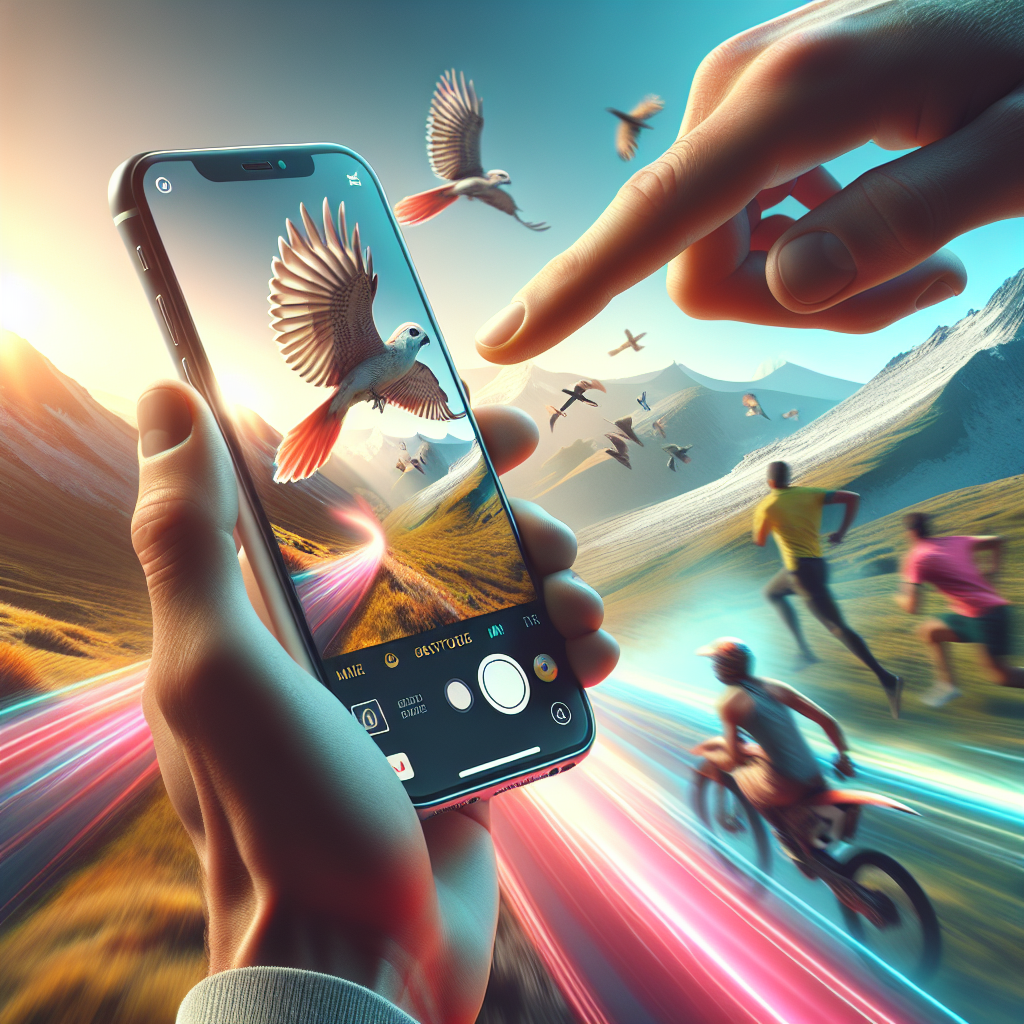
In recent years, iPhones have revolutionized the way we capture moments, especially action shots. With advancements in camera technology, anyone can become a capable photographer with just a smartphone. Whether you’re capturing a thrilling sports game, a spontaneous dance move, or a child playing in the park, the iPhone offers powerful tools to ensure those action moments are not only captured but captured beautifully. This article delves into the top tips and techniques to master iPhone action shots.
Understand Your iPhone Camera
Before diving into capturing action shots, it’s crucial to familiarize yourself with your iPhone’s camera features. Depending on the model, you might have different capabilities at your disposal. For instance, the iPhone 12 Pro and later models feature advanced computational photography techniques, enhanced low-light performance, and improved image stabilization.
Camera Features to Explore
– **Burst Mode**: This allows you to take a series of photos in quick succession. To activate, simply hold down the shutter button. Burst mode is ideal for capturing fast-moving subjects.
– **Live Photos**: This feature captures 1.5 seconds before and after you press the shutter. It provides a short video-like effect, which can be great for reliving action moments.
No products found.
– **HDR Mode**: High Dynamic Range (HDR) helps in capturing better details in high-contrast scenes. It combines multiple exposures to produce a balanced image.
– **Night Mode**: Available in newer models, Night Mode allows you to capture clear action shots even in low-light conditions.
Preparation is Key
Planning is essential when aiming to capture the best action shots. Whether you’re photographing a sporting event or a street performance, knowing the sequence of events can make all the difference.
Research and Scout Locations
Understand the venue or location where you’ll be shooting. Knowing the lighting conditions, potential obstacles, and angles can help you prepare better.
Timing and Position
Anticipate the action. For example, in sports photography, knowing when a player is likely to make a significant move can help you prepare for the perfect shot. Position yourself strategically to capture the action as it unfolds.
Mastering Lighting Conditions
Lighting can make or break a photograph, especially for action shots. Harnessing natural light and understanding how to work with the available lighting can significantly enhance your photos.
Utilize Natural Light
The golden hours, which are the first hour after sunrise and the last hour before sunset, provide soft, warm light that is ideal for photography. If shooting during midday, try to find shaded areas to avoid harsh shadows.
Use Artificial Light When Necessary
In low-light conditions or indoor environments, you might need to rely on artificial light sources. While the iPhone’s flash can be helpful, it often results in harsh lighting. Instead, consider using external lights or reflectors to illuminate your subject.
Utilize Composition Techniques
Composition is a critical aspect of photography. Even with action shots, where spontaneity is key, applying composition techniques can elevate the quality of your images.
Rule of Thirds
The rule of thirds is a fundamental composition principle. Imagine your frame divided into nine equal parts by two vertical and two horizontal lines. Position key elements along these lines or at their intersections to create a balanced image.
Leading Lines
Use natural lines within the frame to guide the viewer’s eye towards the action. Roads, fences, or even the direction of a moving subject can act as leading lines.
Focus and Exposure
Ensuring your action shots are in focus and properly exposed is crucial. The iPhone offers several tools to assist with this.
Lock Focus and Exposure
Tap and hold on the screen to lock focus and exposure on your subject. This prevents the camera from refocusing or adjusting exposure while you’re capturing the action.
Adjust Exposure Manually
After locking focus, you can adjust exposure by sliding your finger up or down on the screen. Increasing exposure can brighten the image, while decreasing it can prevent overexposure in bright conditions.
Post-Processing Techniques
Capturing the perfect action shot is only half the battle. Post-processing can enhance your images further, bringing out details and correcting any imperfections.
Use Editing Apps
Apps like Adobe Lightroom, Snapseed, and VSCO offer advanced editing tools right on your iPhone. You can adjust brightness, contrast, saturation, and more to enhance your images.
Crop and Straighten
Sometimes, cropping the image can help focus on the main subject and eliminate distractions. Straightening the horizon can also add to the overall professionalism of the shot.
Practice Makes Perfect
Like any skill, mastering iPhone action photography requires practice. Take every opportunity to experiment with different settings, locations, and subjects.
Experiment with Different Subjects
Don’t limit yourself to one type of action photography. Try capturing animals, vehicles, or even abstract motion shots. Each presents unique challenges and learning opportunities.
Seek Feedback
Share your photos with friends, family, or online photography communities. Constructive feedback can provide new insights and help you improve your skills.
Conclusion
The iPhone is a powerful tool for capturing action shots, offering features that can turn a novice into a skilled photographer. By understanding your camera, preparing effectively, mastering lighting and composition, and refining your skills through practice and post-processing, you can capture stunning action images that tell a story and evoke emotion. So, the next time you find yourself in the midst of action, remember these tips, trust your instincts, and click away. The moments you capture can become timeless memories.




