
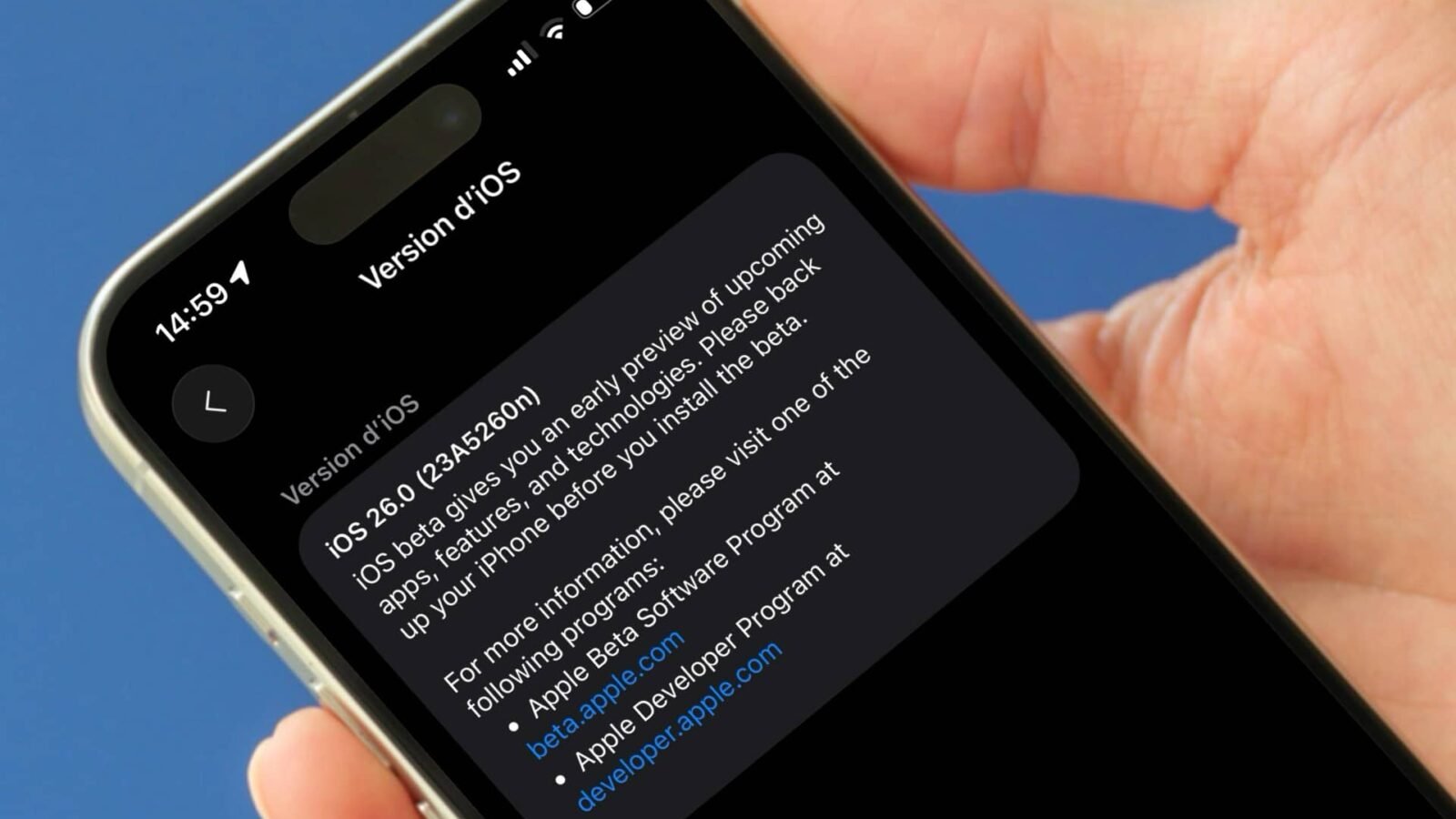
Version 26 of iOS is currently being tested. The first beta appeared on June 9, 2025. It is possible to install it, knowing all the same that the procedure is risky. We detail here everything you need to know if you want to try it.
Note that for iPados 26, manipulation is identical.
Preamble
With iOS 17, Apple has made access to the beta test program very simple. No need to create a developer account, No need to pay anything. Everyone can, if wishes to join the test program, both for beta developers and for public beta iterations. So be aware that you have very easily access to developers beta.
However, this is not a formality to be taken lightly. Beta developers can suffer from many dysfunctions, even more than public beta. By installing a developer beta, you expose yourself to several risksas described below. It is up to you to take the precautions here indicated and to make sure that you are ready to deal with any inconvenience. Trying the features of iOS 26 before the hour has a cost, as part of beta-testing, so it is not necessarily easy.
No products found.
Compatible iPhone
First of all, make sure that your machine is indeed compatible with iOS 26. It must be in this list.
Risks and precautions
Installing a developer beta includes the following risks:
- Dysfunction in various places in the bone: You can thus suffer from untimely restarts, irregularity of autonomy, problems of Wi-Fi connectivity, apps blockages, etc. All this means that, for daily use, it is not recommended to use a machine turning under a beta version of iOS
- Risks for your data: Who says random bugs also says risk of data loss. Indeed, you can for various reasons to lose photos, notes, messages and many other contents available on your iPhone
This is why it is very important, if you have decided to install a beta version, of Save the entire device beforehand. You have the following choices to do this:
- Make a wireless backup, on iCloud
- Save a backup on a Mac, via USB link
Last point, installing a new OS always requires some free disk spaces. Before you get started, check that your smartphone does not display a saturated memory. If necessary, clean up by deleting a few old unnecessary applications and their data, or by unloading the iPhone from heavy videos and/or photographs.
Once the iPhone is saved and lightened with a few heavy files, you can continue.
Installation of the beta iOS 26
Find below the manipulations to be performed to install iOS 26 in beta developers:
Be careful, on the iPhone in question, ensure that you are well connected to your Apple account, in the Setting App, at the top, before going further. You also have to have registered in the test program with your Apple account here: https://beta.apple.com/fr.
Afterwards :
- In the “settings” app, go to General> Software update
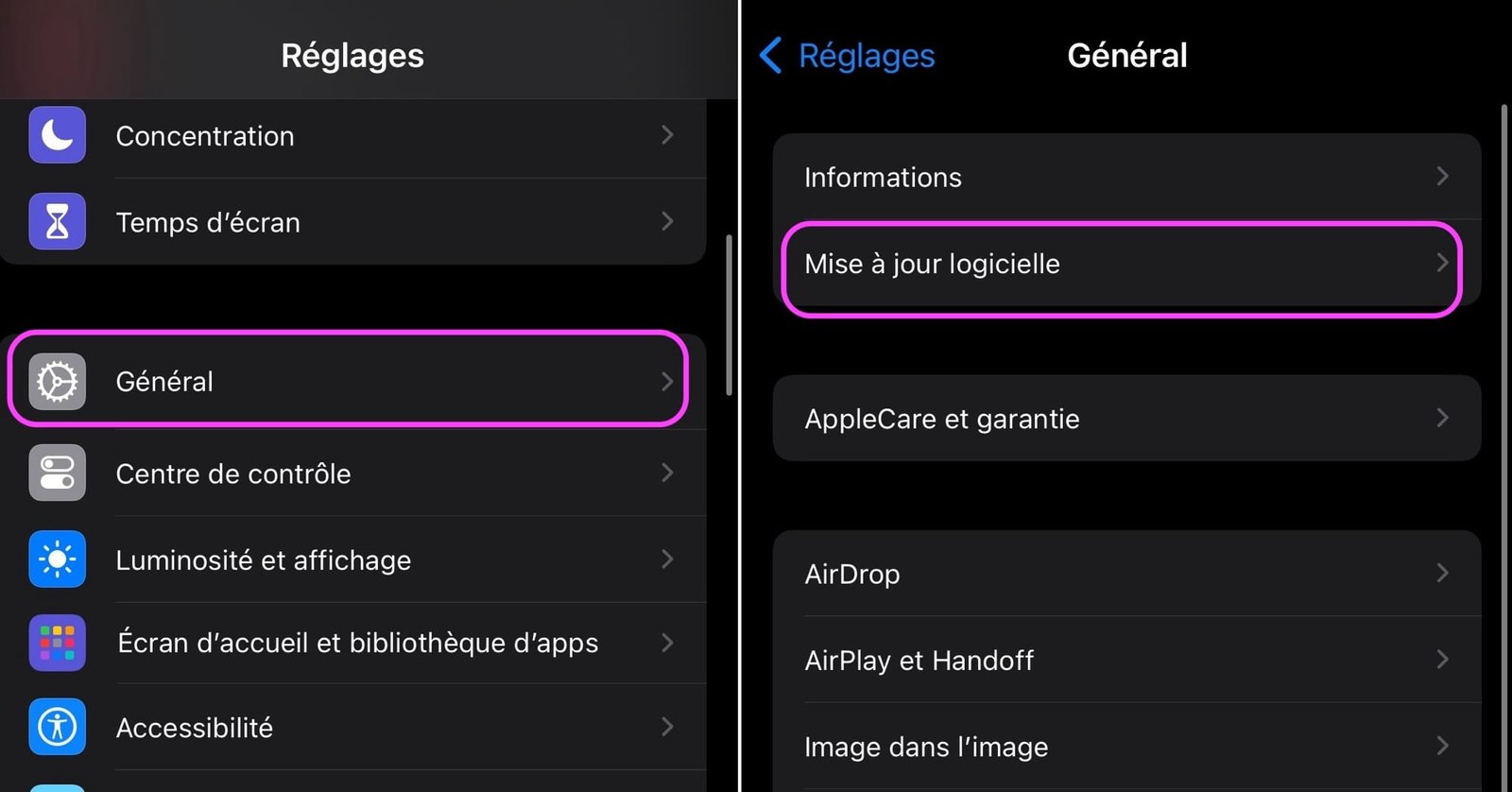
© IOS screenshot by iphon.fr
- Continue Beta updatesthen activate iOS 26 Developer Beta To take part in the Beta Test Program Developers of iOS 26
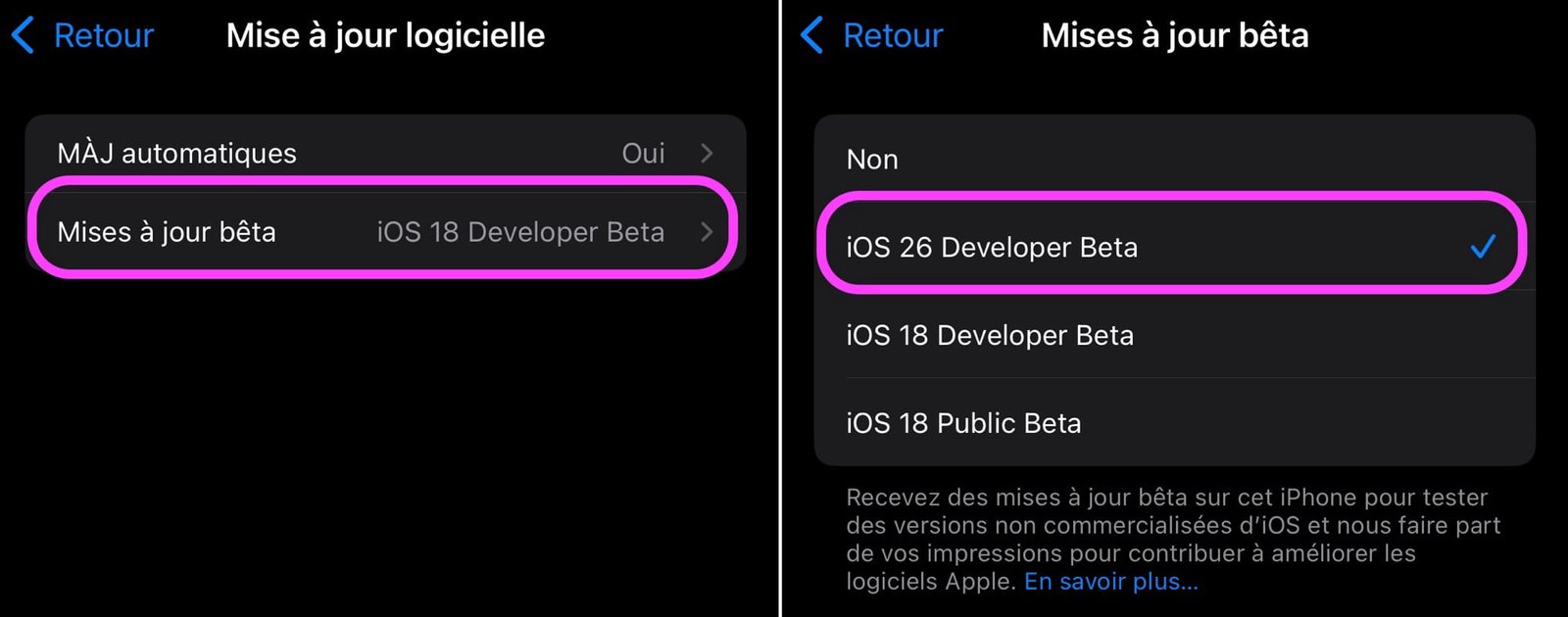
© IOS screenshot by iphon.fr
- Return to the previous screen
The beta of iOS 26 should appear here. All you have to do is install by pressing “Update” then by validating the operation with your iPhone code. After a few seconds, the download launches automatically.
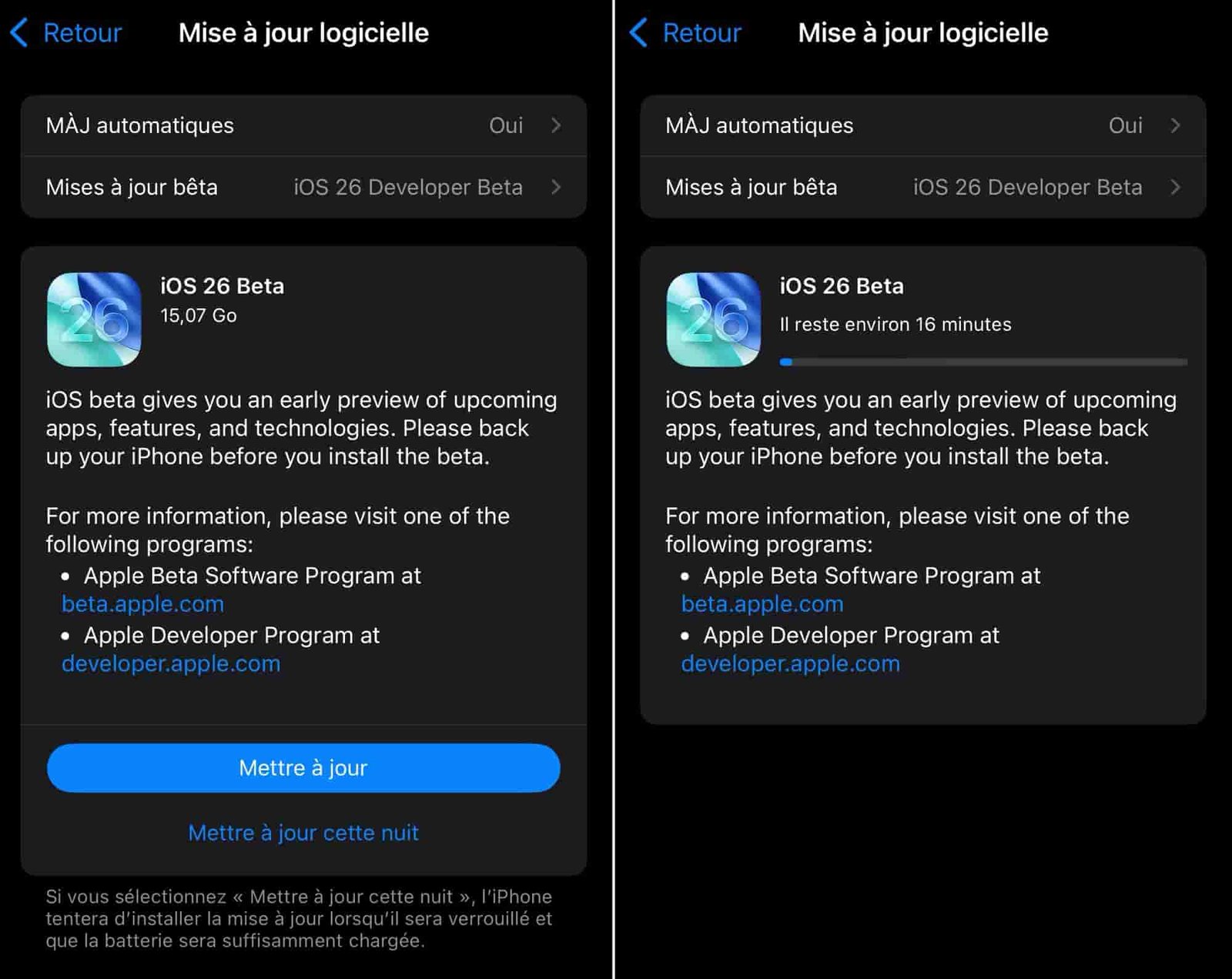
© IOS screenshot by iphon.fr
From there, simply follow the indications on the screen to the restart of the iPhone and the installation of the update. The progression of this should be indicated in the form of a white loading bar.
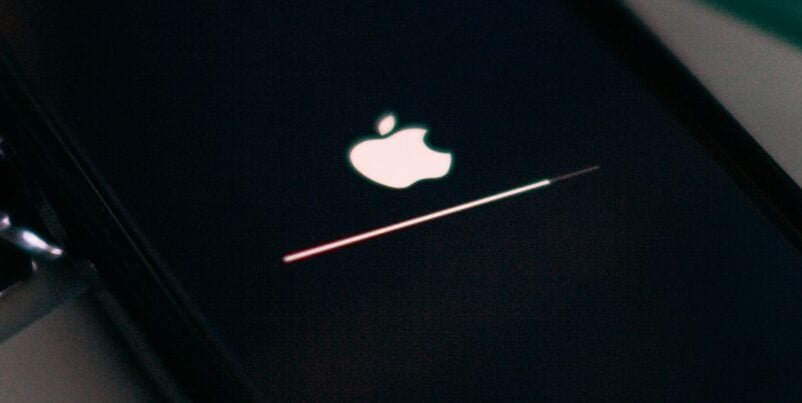
© Unsplash / Szabo Viktor
After a few minutes and the procedure completed, you will find your active iPhone. The latter welcomes you and you can now discover the news that IOS 26 has to offer you, without meeting too many bugs, we hope for you.
For our part, apart from a few display bugs, no crucial function of the iPhone seems to be problematic under iOS 26 beta 1. What about you?

By: keleops ag




