
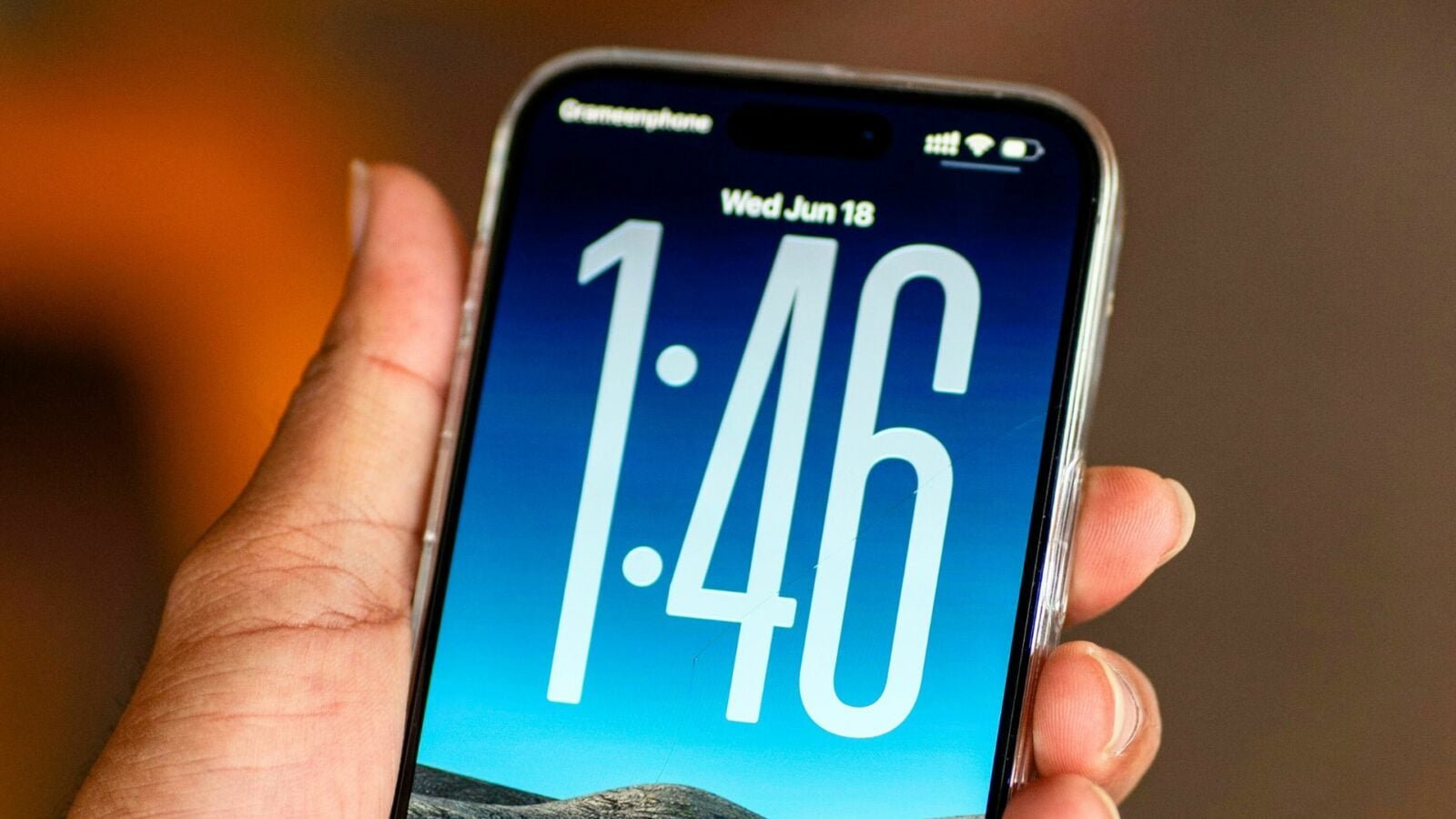
Updated December 13, 2025; iOS 26.2 is available for everyone. Our complete iOS 26.2 guide can be found here.
iOS 26 was released three months ago now, but some new features that Apple presented during the WWDC 2025 introductory keynote were not available on iPhone until now. That changes with iOS 26.2, which has just been officially released, and introduces several exciting features that you can try out right now. We present to you 6 that caught our attention at pocketphotography.com.
1- Live translation on AirPods: finally available in France

© Unsplash / Nick Fewings
No products found.
The most notable new feature of this update is undoubtedly the live translation on AirPods. It is now available in France thanks to iOS 26.2. The functionality was previously absent due to new EU laws on digital markets. You can take advantage of it if you have compatible AirPods (AirPods Pro 2 and 3, as well as AirPods 4). Your iPhone must of course support Apple Intelligence, so you need an iPhone 15 pro or newer.
When enabled on both devices, translation occurs live during the conversation, with an effect enhanced by noise reduction. This allows you to better hear the translated voice without being disturbed by the original. If the person you’re talking to doesn’t have AirPods, a live transcription appears on your screen in their chosen language. This system can really make it easier for you to trade in a foreign countrywithout wasting time opening a translation app.
2 – The screen flashing when receiving a notification
© Unsplash / Cash Macanaya
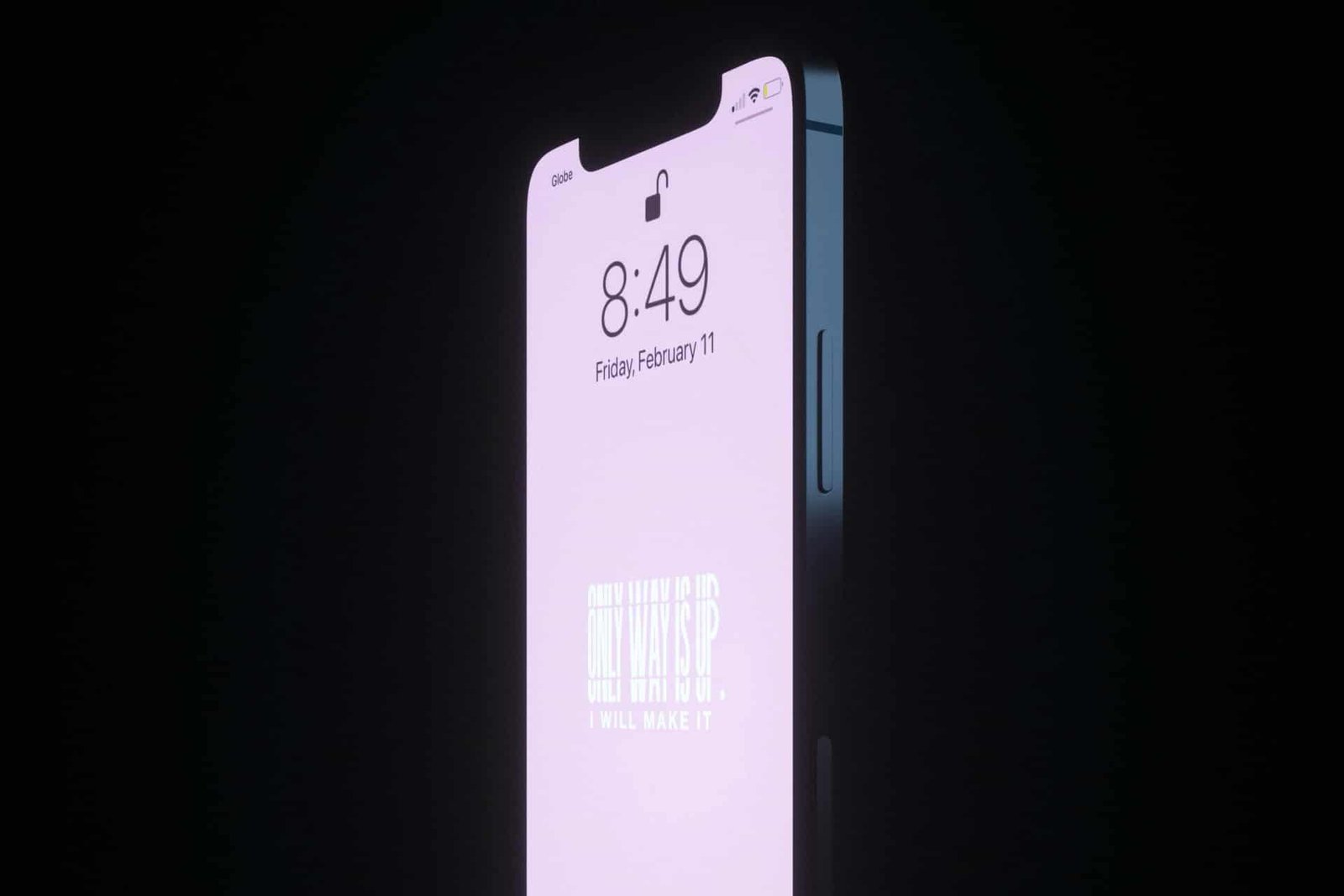
The second feature that we liked was the flashing of the screen during an alert. It replaces or complements the LED flash, briefly projecting light on the front of the iPhone, just enough to capture attention. If you leave your device face up, this option may well prevent you from missing an important message or call. You can enable it in the accessibility settings, in the audio and visual section. The effect is discreet, and even works in silent mode.
3 – An audible alarm finally integrated into your reminders
© MacRumors
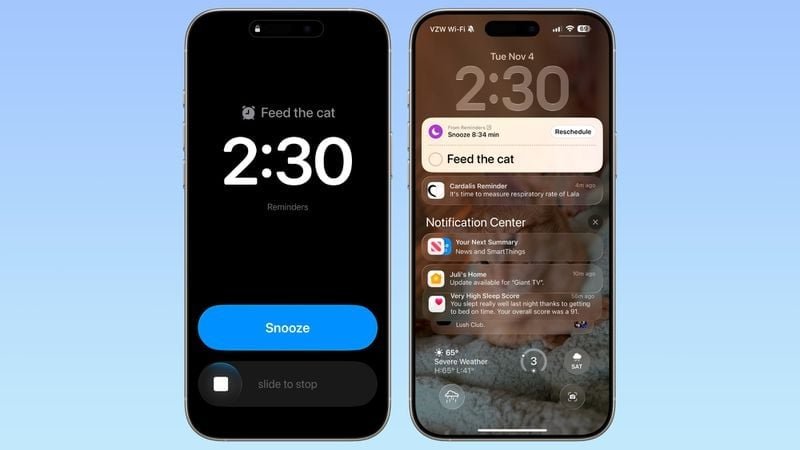
The third new feature is aimed at users of the Reminders application. Until now, alerts could go unnoticed. iOS 26.2 fixes this by allowing a real alarm sound to be associated with a reminder. The option appears when creating an urgent reminder, by flipping a simple switch. The iPhone then asks you for permission to create an alarm via AlarmKit.
This allows you to receive a sound notification, which you can even postpone if necessary. If you tend to write everything down without always hearing your alerts, this change could make your life easier.
4 – A new scale to evaluate your sleep
The fourth improvement concerns the Health app, which adjusts sleep scores. The thresholds have been modified to make the assessment more precise. This means that a night you thought was “good” may now appear to be “weak”. The idea is to encourage users to correct small sleep imbalances, without being dramatic.
The system is also always based on the same criteria: duration, bedtime and sleep interruptions. If you sleep with an Apple Watch, you may see some deviations from your usual results, but this is just a stricter rating, meant to better reflect the actual quality of sleep.
5 – Adjust clock transparency with Liquid Glass
© pocketphotography.com
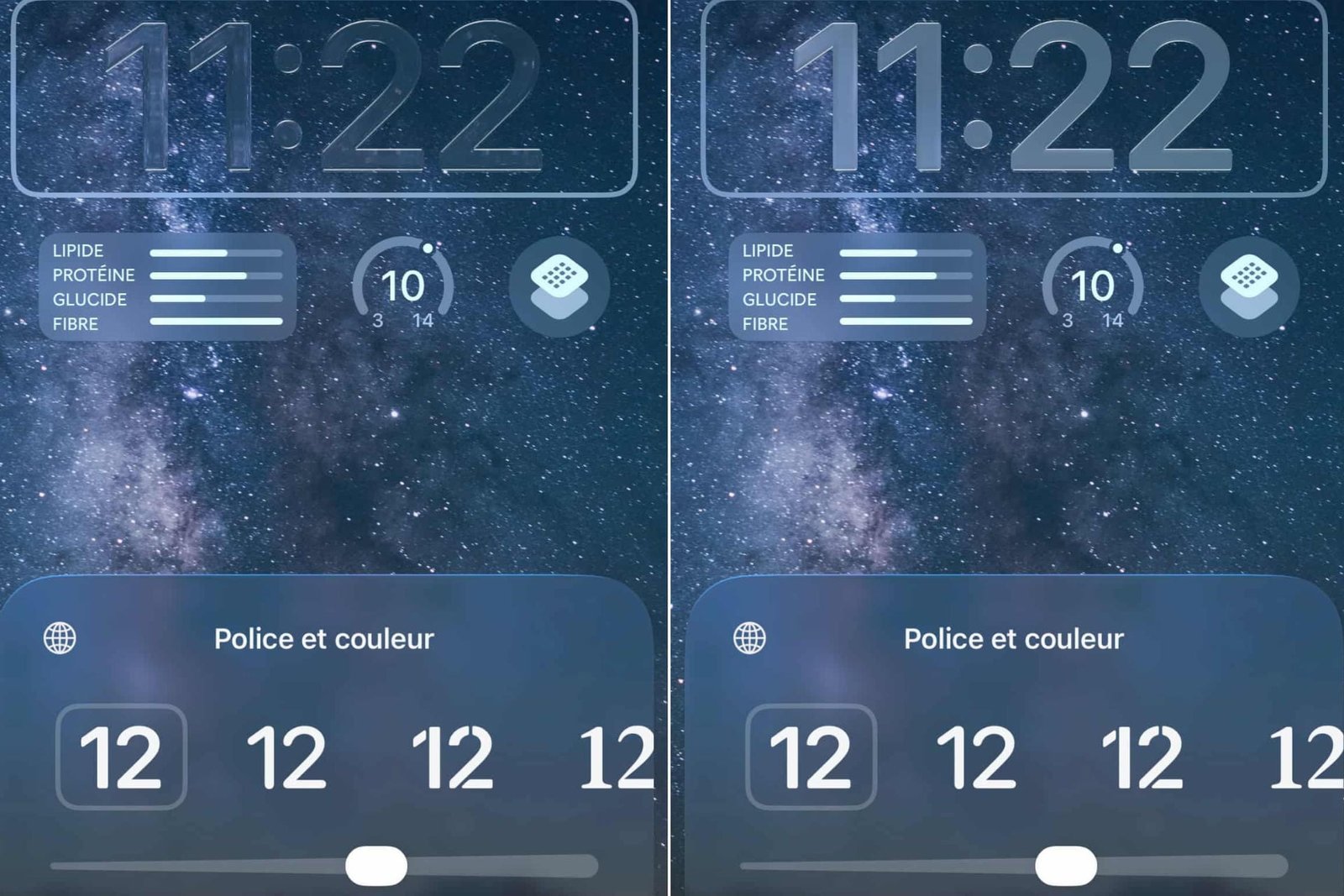
Next comes a new feature that slightly improves the readability of the lock screen. iOS 26.2 indeed introduces a slider to adjust the transparency of the clock when Liquid Glass is activated. You can thus choose a more opaque display if the blurry version bothers you. The change only applies to the clock for now.
6 – A PIN code to secure your AirDrop transfers
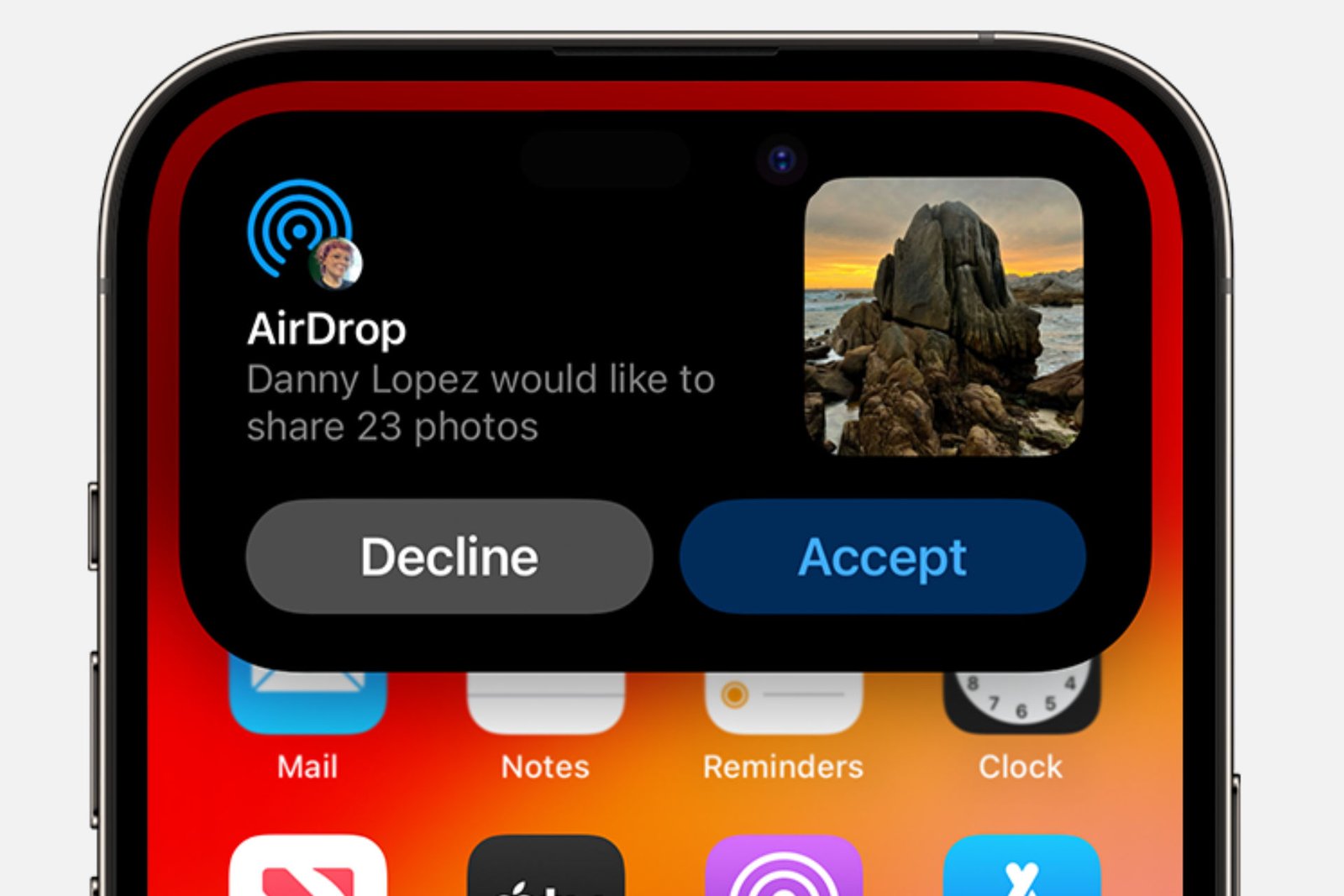
© Apple
Finally, the sixth new feature reinforces confidentiality on AirDrop. A temporary PIN may now be required when an unknown person tries to send you a file. This allows to avoid malicious mailings in public places. The code is requested once, then devices can be freely exchanged for 30 days. You stay in control, without losing the simplicity of AirDrop between your own devices.
To discover other new features, you can consult our article on the 15 new features of iOS 26.2 to test first.

By: Keleops AG




