
After a while of use, the iPhone quickly becomes overwhelmed with app icons. We find ourselves juggling among the different screens filled to the brim. But where is this game hidden, bought once on sale and which didn’t look bad? So, whether you’re a tidy freak, messy or lazy, there’s a way to organize your smartphone for everyone. Let’s look at some of them, which might inspire you.
Classic storage
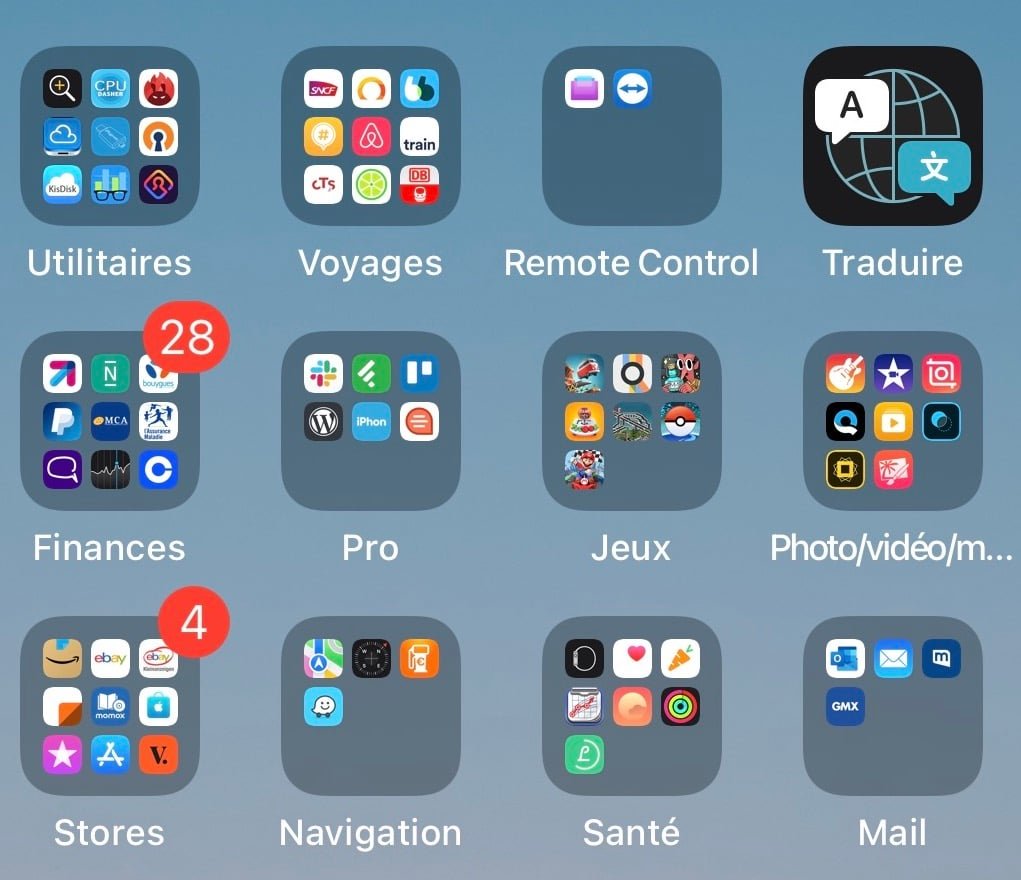
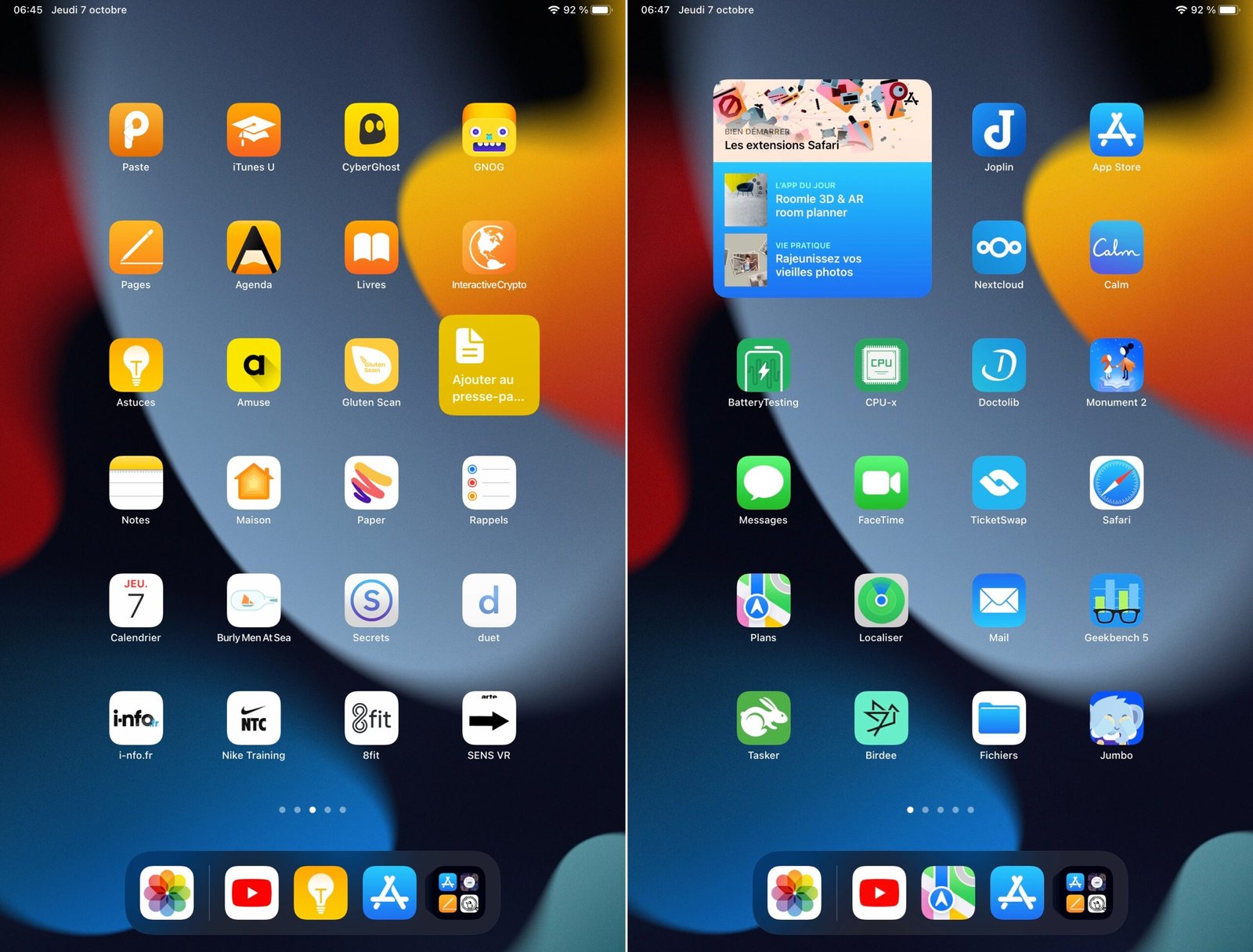
- Without thinking too much, you can arrange your applications in a rather conventional way by typewith, ideally, the creation of folders which will group different applications of the same genre (all games together, for example, or all social applications, etc.). Finally, we follow the categories of the App Store a little
© pocketphotography.com
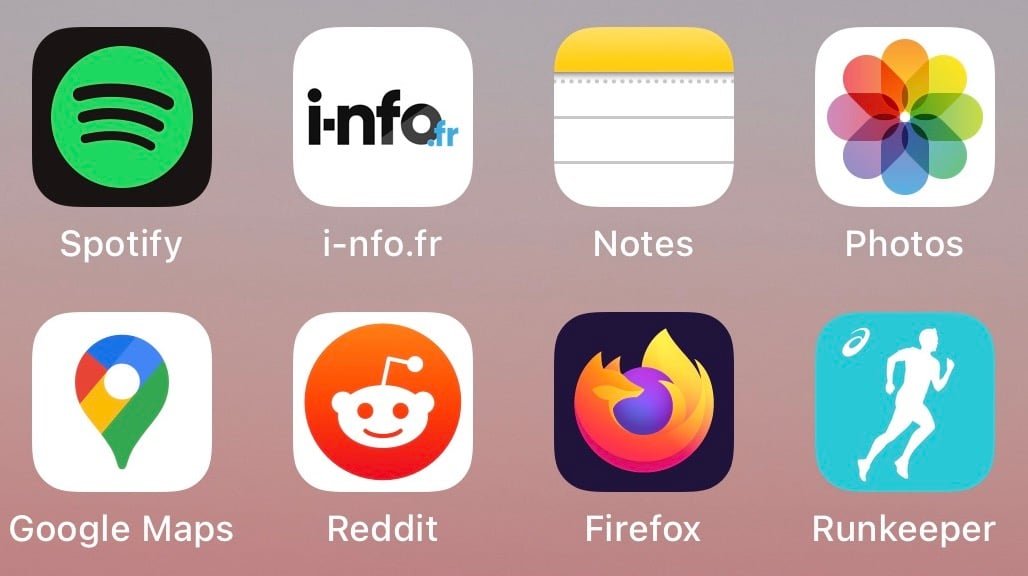
- Otherwise, for the most rigorous, storage in alphabetical order can be considered and still remains effective. Despite everything, it seems difficult to apply for a very high number of applications. Additionally, the App Library introduced with iOS 14 automatically sorts all apps alphabetically, as described here in our article dedicated to this App Library
Expert storage
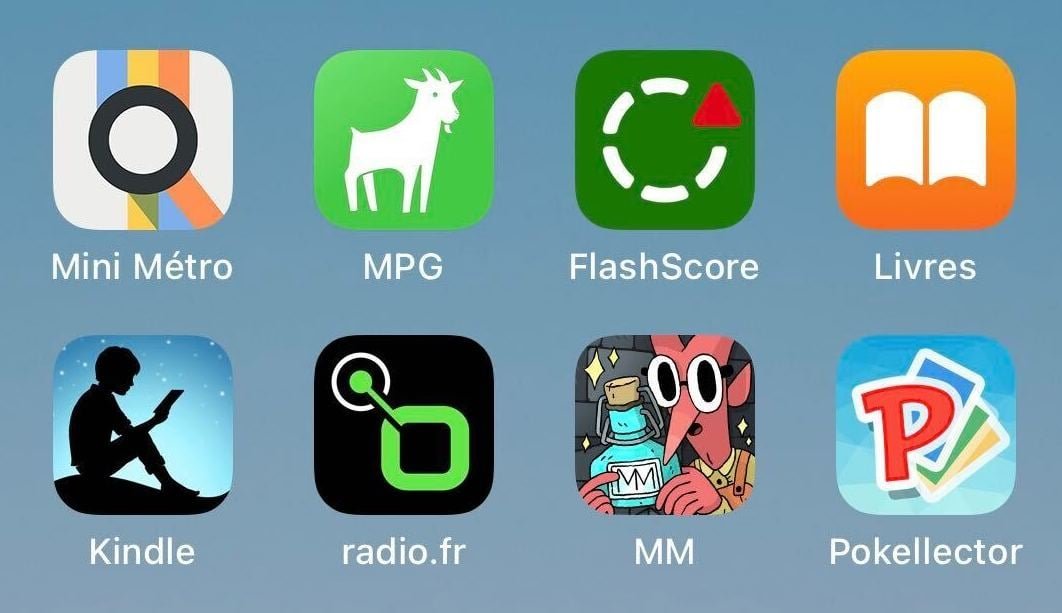
- Organize not by letter, but by frequency of usehere is an already more relevant storage idea. We leave the applications most often open on the main screen and its close neighbors to the right and left, and the poor, almost useless applications are found in the back room, that is to say on the screens at the ends, or in the app library
No products found.
© pocketphotography.com
- More suited to a significant number of applications, storage by place of use can work just as well. We keep, for example, a screen or a folder filled with applications for leisure (games, films, series, music), another for work (productivity and writing tools, specifically linked to your activity), or even one for the car (GPS, radio, radar)
- Similarly, storage can no longer be done by location, but by weather or daywith a screen or application folder for weekend applications (sport, recipes, music and movies for example), one for work time, and then one for evening time before bed for example (alarm clock, reading, podcast or radio applications, etc.)
© pocketphotography.com
Artist storage
- We can also consider organizations less academic. Not tidying up can work for some with practice. Especially since the app library can be used to find applications automatically organized by smart folders. In the case of this default organization, Spotlight can also be used to quickly find and launch an application
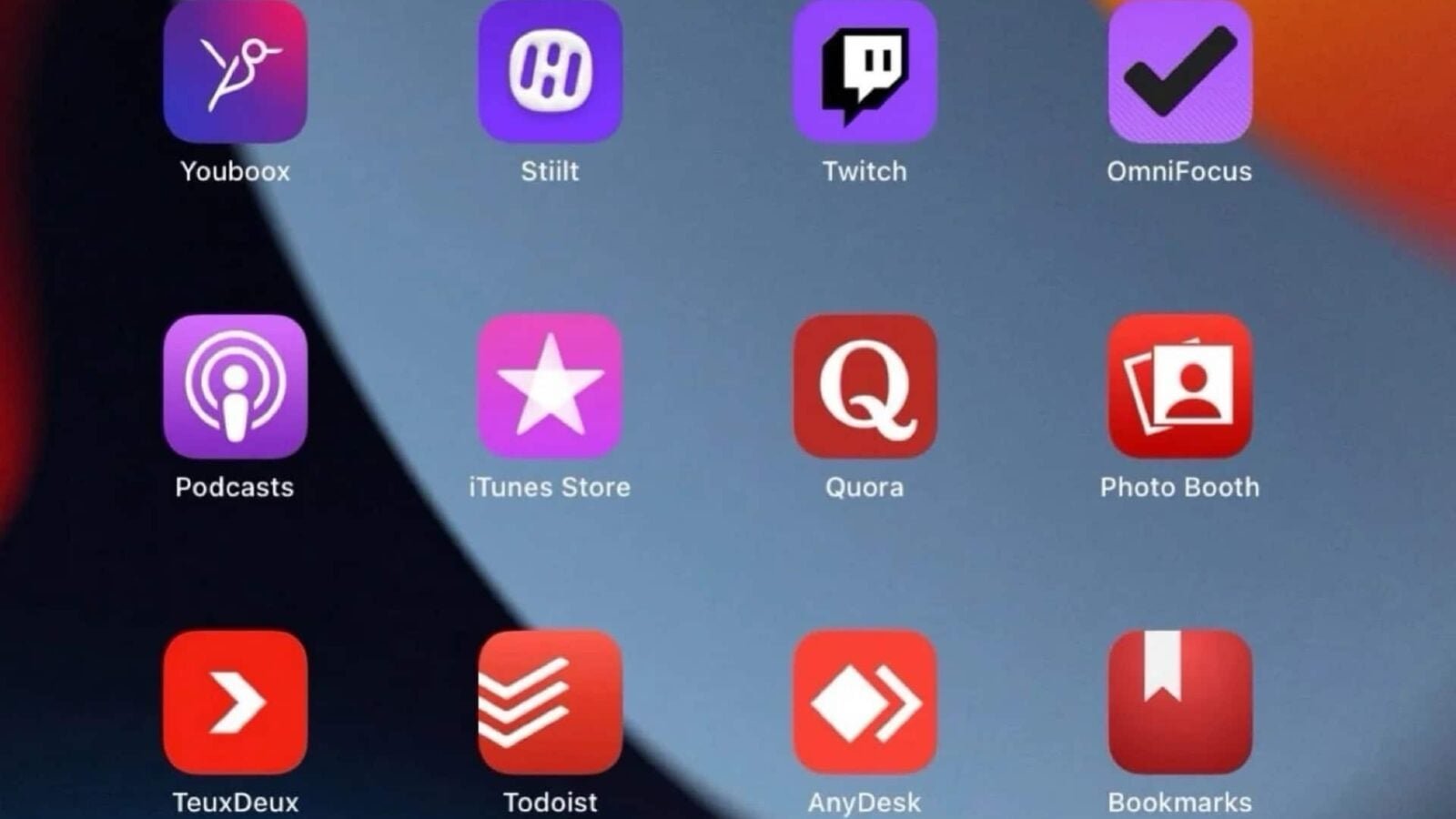
- The organization by color can also appeal to the more visual among us. We arrange applications by their icon color. The visual effect is obviously there, but what about efficiency for large volumes of apps?
© pocketphotography.com
Finally, without being forced to confine yourself to a single storage method, the idea is to build the organization that suits us best, whether it is one method or the other, or a mixture of several. But let’s not forget that we check our smartphone on average 150 times a day… so it’s worth taking a few minutes to think about its organization.
And you, how do you store your apps?

pocketphotography.com – Official pocketphotography.com app
By: Keleops AG




