
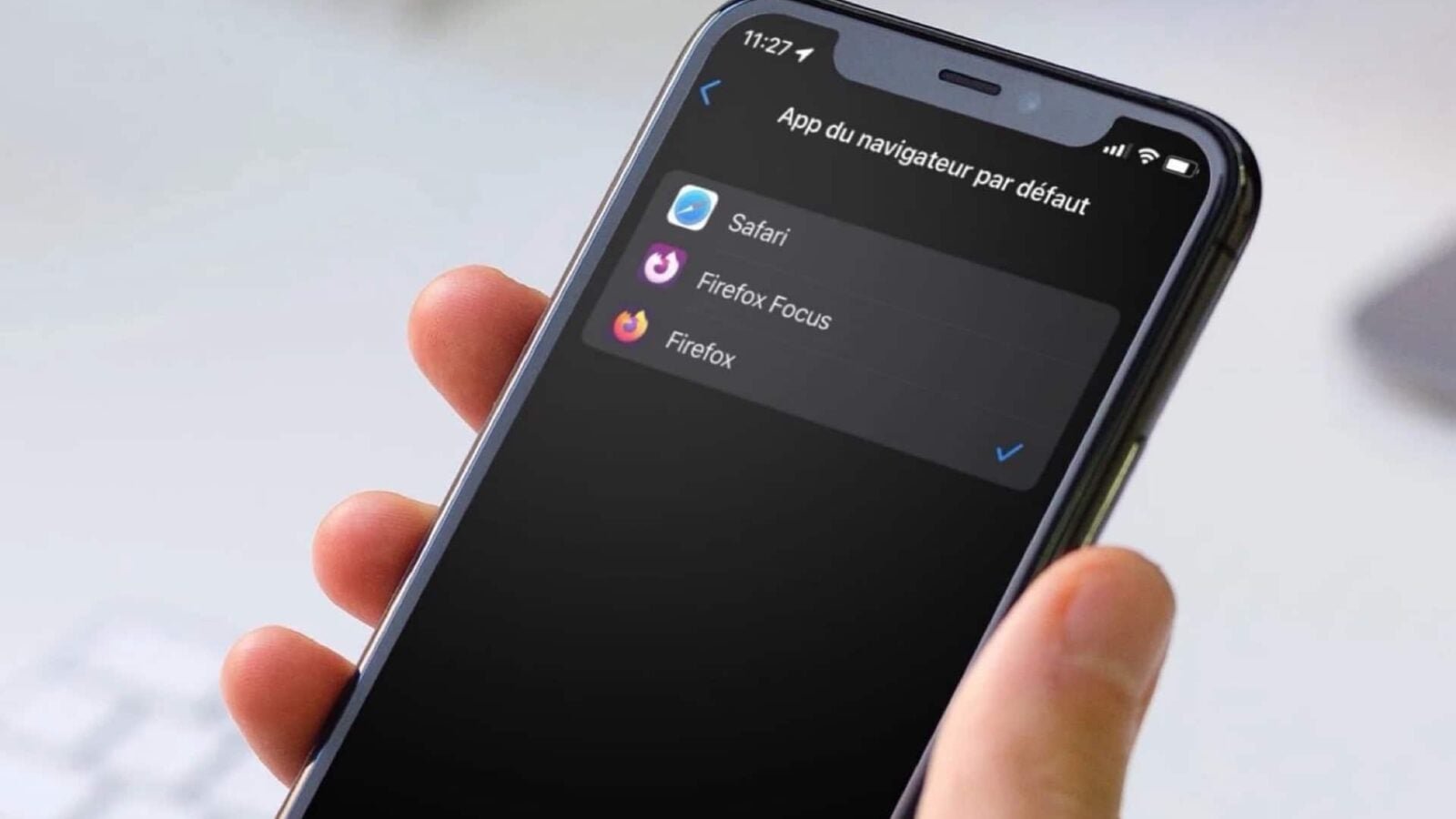
Apple’s mobile operating system for iPhone, since version 14, but also iPadOS since version 14 as well, like macOS on Mac, allows you to choose the web browsing application that opens by default. That is to say, you can decide to use an application other than Safari for all the internet links that you want to open on your iOS device, from any app.
Be careful though, this feature exclusive to iOS 14 and iPadOS 14 and later only works with compatible third-party applications. The option is therefore not automatically offered for any web browsing application. It must be activated on the one hand by the developer of the app, and on the other hand by Apple for the app in question.
How to change the default browser on your iPhone or iPad?
Some prerequisites
First of all, you must have at least iOS 14 or iPadOS 14 or later version of one of the two systems. You must also have a third-party application compatible with changing your default browser. See here our list of apps that can replace Safari by default.
How to take advantage of this feature
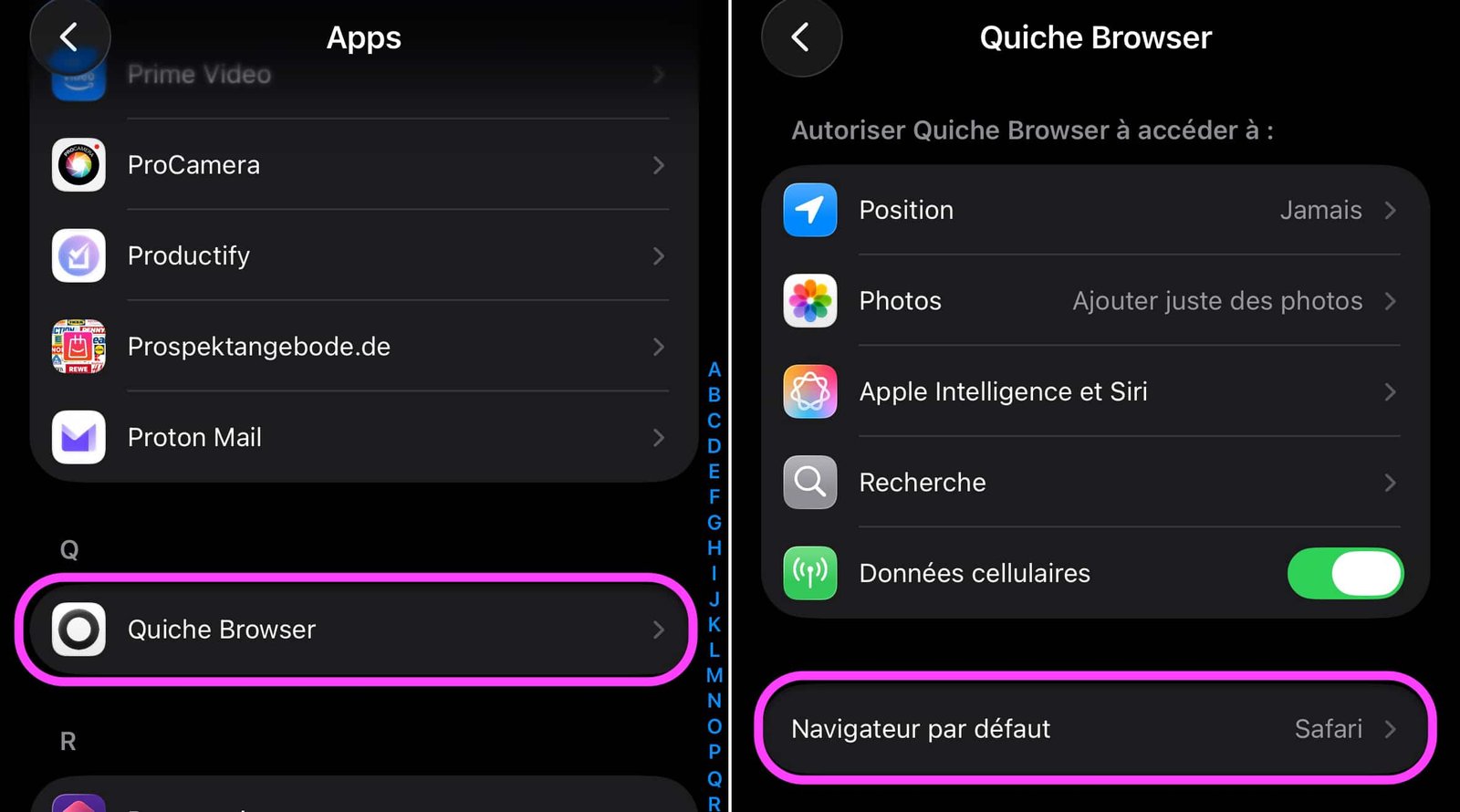
- Go to the app Settings from the iPhone or iPad, then in Apps all the way down
- Find the application that will serve as your default browser, Quiche Browser, for example
- Tap the “Default Browser” option
No products found.
© iOS screenshot by pocketphotography.com
- Choose “Quiche Browser” instead of “Safari”
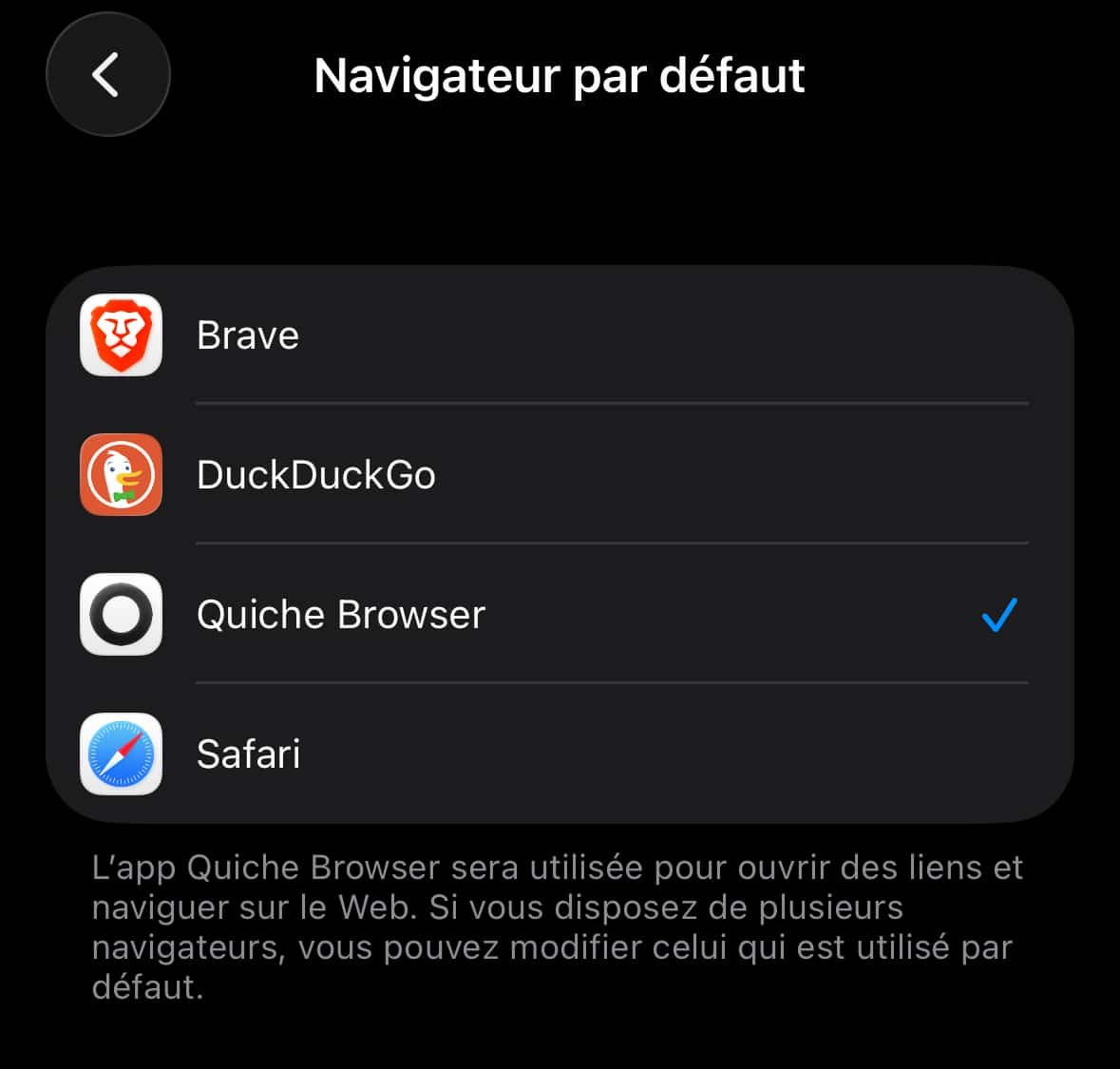
© iOS screenshot by pocketphotography.com
From now on, each time you tap on an internet address from an app like Notes, Mail again from pocketphotography.com, the Quiche Browser app takes over instead of Safari.
Finally, to reset Safari to the default browser, simply return to Settings > Apps > Quiche Browser > Default browser before selecting “Safari”.
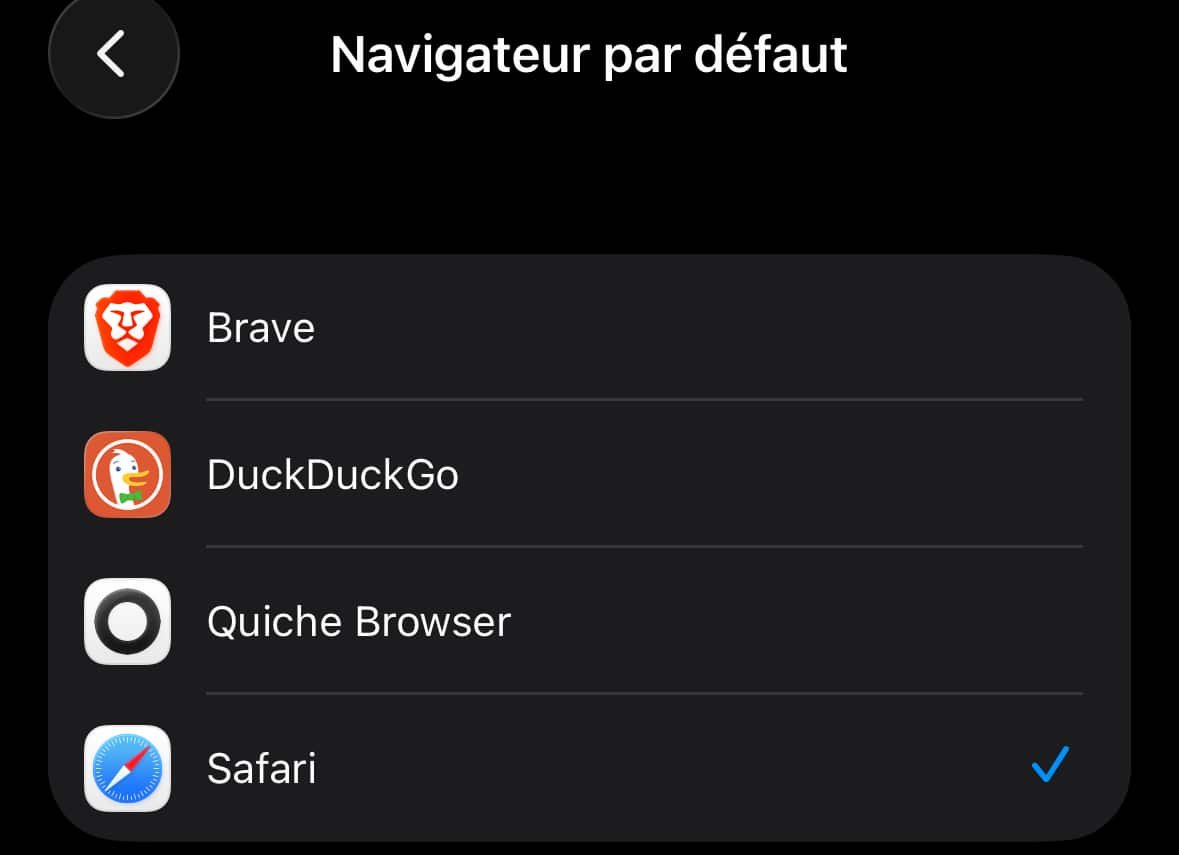
© iOS screenshot by pocketphotography.com
The procedure is obviously the same for any other web browsing application compatible with this default app switching functionality.
And if you also want to change the default email client, follow our dedicated tutorial.

pocketphotography.com – Official pocketphotography.com app
By: Keleops AG




