
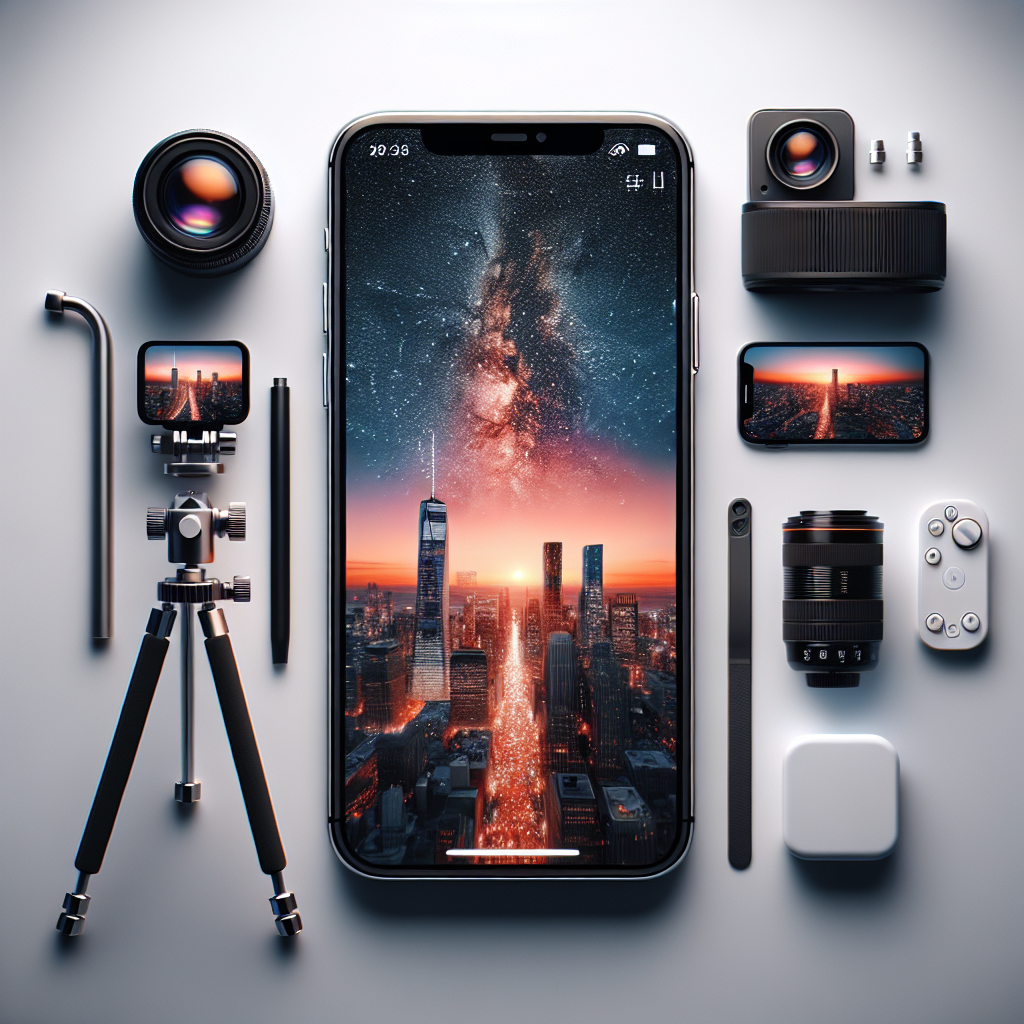
Mastering Time-Lapse Photography on iPhone: Tips for 2025
Time-lapse photography has continued to captivate both amateur and professional photographers, allowing them to capture the beauty of gradual change in a fast-paced sequence. With the advancements in iPhone technology, creating stunning time-lapse videos has never been easier. This guide will update you on the latest techniques and features available as of 2025, to help you make the most out of your iPhone’s capabilities.
Understanding Time-Lapse Photography
Time-lapse photography involves capturing a series of images over a period of time and then playing them back at a faster speed. This technique can transform hours, days, or even months into a visually striking short video. On an iPhone, time-lapse videos are created by shooting at a lower frame rate and playing back at a standard or higher frame rate, which speeds up the footage.
What’s New in iPhone Technology for Time-Lapse Photography?
The iPhone models released in 2025 have introduced several enhancements that significantly improve time-lapse photography:
No products found.
Advanced Camera Sensors
The latest iPhones are equipped with larger, more sensitive sensors that capture more light and detail, especially in low-light conditions. This advancement allows for clearer and more vibrant time-lapse videos, even during nighttime or in dimly lit environments.
Enhanced Image Stabilization
With improved optical and digital stabilization technologies, the 2025 iPhones provide much smoother footage. This is particularly beneficial when shooting time-lapse videos hand-held or in scenarios where using a tripod is not feasible.
AI-Powered Scene Detection
iPhones now come with AI-powered scene detection that automatically adjusts settings such as exposure, focus, and white balance based on the scene being captured. This feature ensures that your time-lapse videos are consistently well-exposed and in focus, regardless of changing lighting conditions.
Extended Battery Life
Battery technology has made significant strides, allowing the latest iPhones to last longer even when capturing extensive time-lapse sequences. This enhancement is crucial for long-duration shoots that require extended power.
Essential Equipment for Time-Lapse Photography
While the iPhone itself is a powerful tool for time-lapse photography, there are several accessories you can use to enhance your shooting experience:
Sturdy Tripod
A stable tripod is essential for capturing smooth time-lapse footage. Look for a tripod that is lightweight yet robust, with adjustable legs and a secure iPhone mount.
External Battery Pack
To ensure your iPhone lasts throughout a long shoot, consider investing in a high-capacity external battery pack. Many packs now support fast charging, ensuring minimal downtime.
ND Filters
Neutral Density (ND) filters can be attached to your iPhone lens to reduce the amount of light entering the camera. This is especially useful for shooting time-lapses in bright conditions, allowing for slower shutter speeds to create a smooth motion effect.
Steps to Capture Stunning Time-Lapse Videos
Here’s a step-by-step guide to help you capture amazing time-lapse videos with your iPhone:
Plan Your Shoot
Before you start shooting, spend some time planning your time-lapse video. Consider the subject, location, time of day, and duration. Popular subjects include sunsets, cityscapes, and bustling streets.
Set Up Your iPhone
Mount your iPhone securely on a tripod and ensure it is stable. Attach any necessary accessories, such as ND filters or external battery packs, before setting up your shot.
Open the Camera App and Select Time-Lapse Mode
Launch the Camera app and swipe to the time-lapse mode. The interface is intuitive and easy to navigate, with all the controls you need easily accessible.
Adjust Settings
While the iPhone’s automatic settings are highly effective, you can manually adjust exposure and focus if needed. Tap on the screen to set focus, and use the exposure slider to adjust brightness.
Start Recording
Once you’re satisfied with your setup, press the shutter button to begin recording. Keep your iPhone steady and avoid touching it until the time-lapse sequence is complete.
Review and Edit Your Time-Lapse
After capturing your footage, you can review and edit your time-lapse video directly on your iPhone. Use the built-in editing tools to trim, adjust colors, and apply filters to enhance your final product.
Post-Processing Tips
Post-processing can greatly enhance your time-lapse videos. Here are some tips to consider:
Stabilization
Even with advanced in-camera stabilization, slight shakes might occur. Use software like Adobe Premiere Rush or LumaFusion to further stabilize your footage during editing.
Color Correction
Adjust the colors of your video to ensure they are vibrant and true to life. Most editing apps offer color correction tools that allow you to tweak brightness, contrast, and saturation.
Adding Music
Consider adding background music to your time-lapse video to enhance its emotional impact. Ensure that the music complements the mood and pace of your footage.
Export in High Quality
When exporting your final video, choose the highest resolution and frame rate possible. This ensures that your time-lapse looks sharp and professional on any screen.
Sharing Your Time-Lapse Creations
Once you have perfected your time-lapse video, it’s time to share it with the world. Here are some platforms and tips for sharing:
Social Media
Platforms like Instagram, TikTok, and YouTube are perfect for sharing time-lapse videos. Use relevant hashtags and engaging captions to reach a wider audience.
Portfolio Websites
If you are a professional photographer, consider showcasing your time-lapse work on a personal portfolio website. This not only displays your skills but also attracts potential clients.
Collaborations and Competitions
Engage with the photography community by participating in collaborations and competitions. This can provide exposure and feedback from fellow photographers.
Conclusion
With the iPhone’s evolving technology and the right techniques, time-lapse photography can be an incredibly rewarding pursuit. By staying updated with the latest features and following best practices, you can create captivating time-lapse videos that capture the beauty of the world around you. Whether you’re a hobbyist or a professional, there’s always something new to learn and explore in the world of time-lapse photography. So, grab your iPhone, plan your shoot, and start capturing the passage of time in stunning detail.




