
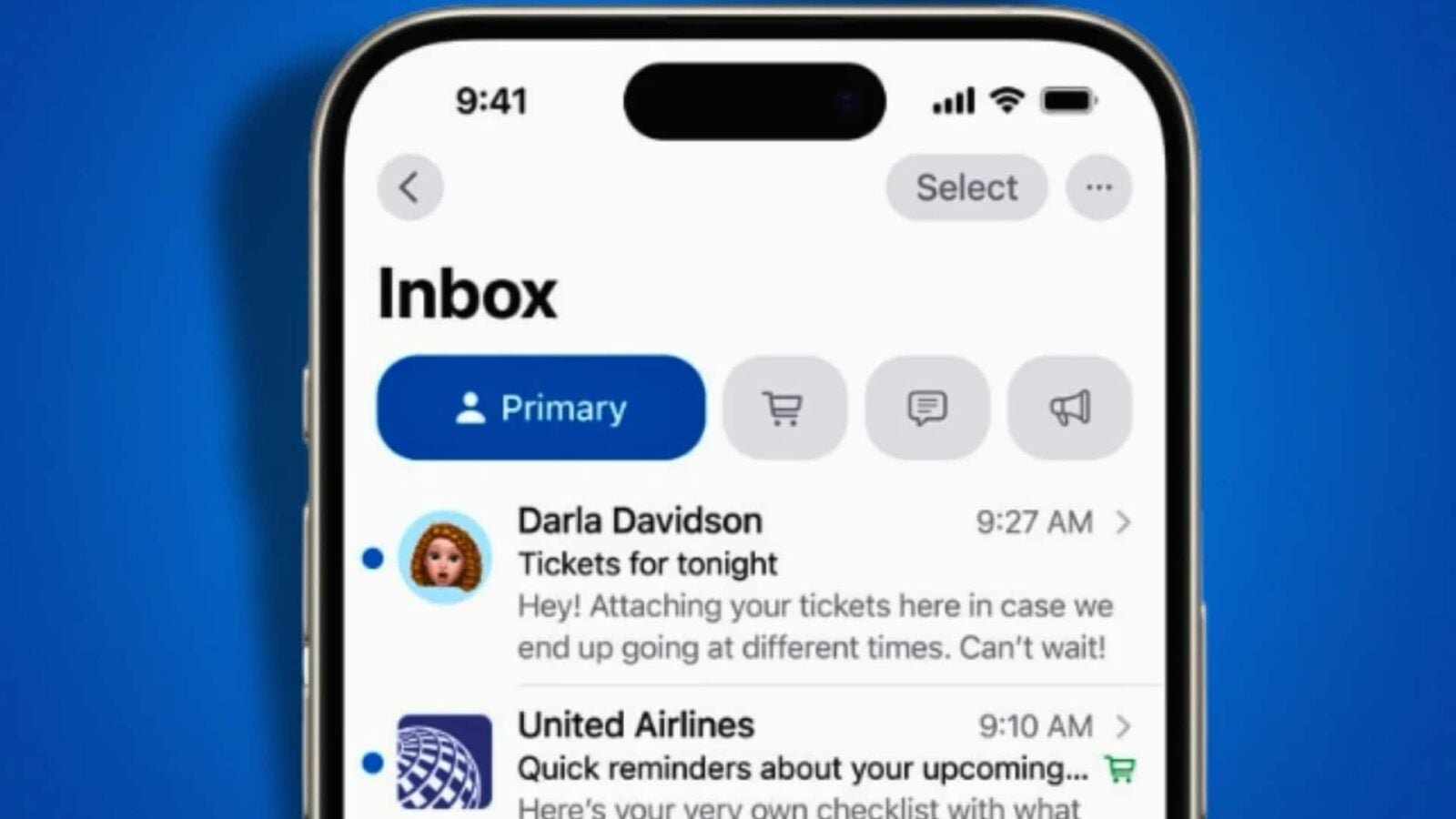
Automatic email categorization is a popular feature on email apps like Gmail and others. It allows you to sort messages without even having to lift a finger. It is available on iPhone since iOS 18.2 across the Atlantic and since iOS 18.4 in France. Although intelligent and automatic, the function does not depend on Apple Intelligence. All smartphones supporting iOS 18 or later can therefore benefit from it.
Besides, she is enabled by default. However, it is possible that we prefers to have the traditional displayespecially since automatic categorization can sometimes make errors, which can cause us to miss important emails. So here’s how to go back to a classic email list without automatic categorization.
How do I disable automatic categorization?
To deactivate smart sorting, simply follow these few steps:
- Open the Mail app on your iPhone
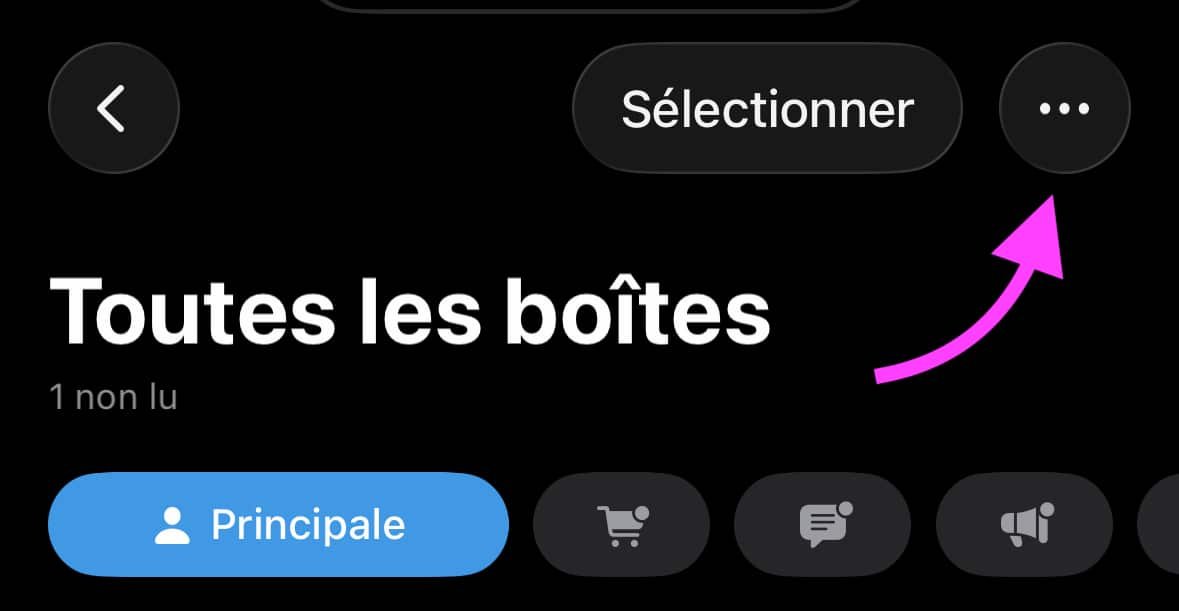
- In the inbox, tap the three small dots at the top of the screen
No products found.
© iOS screenshot by pocketphotography.com
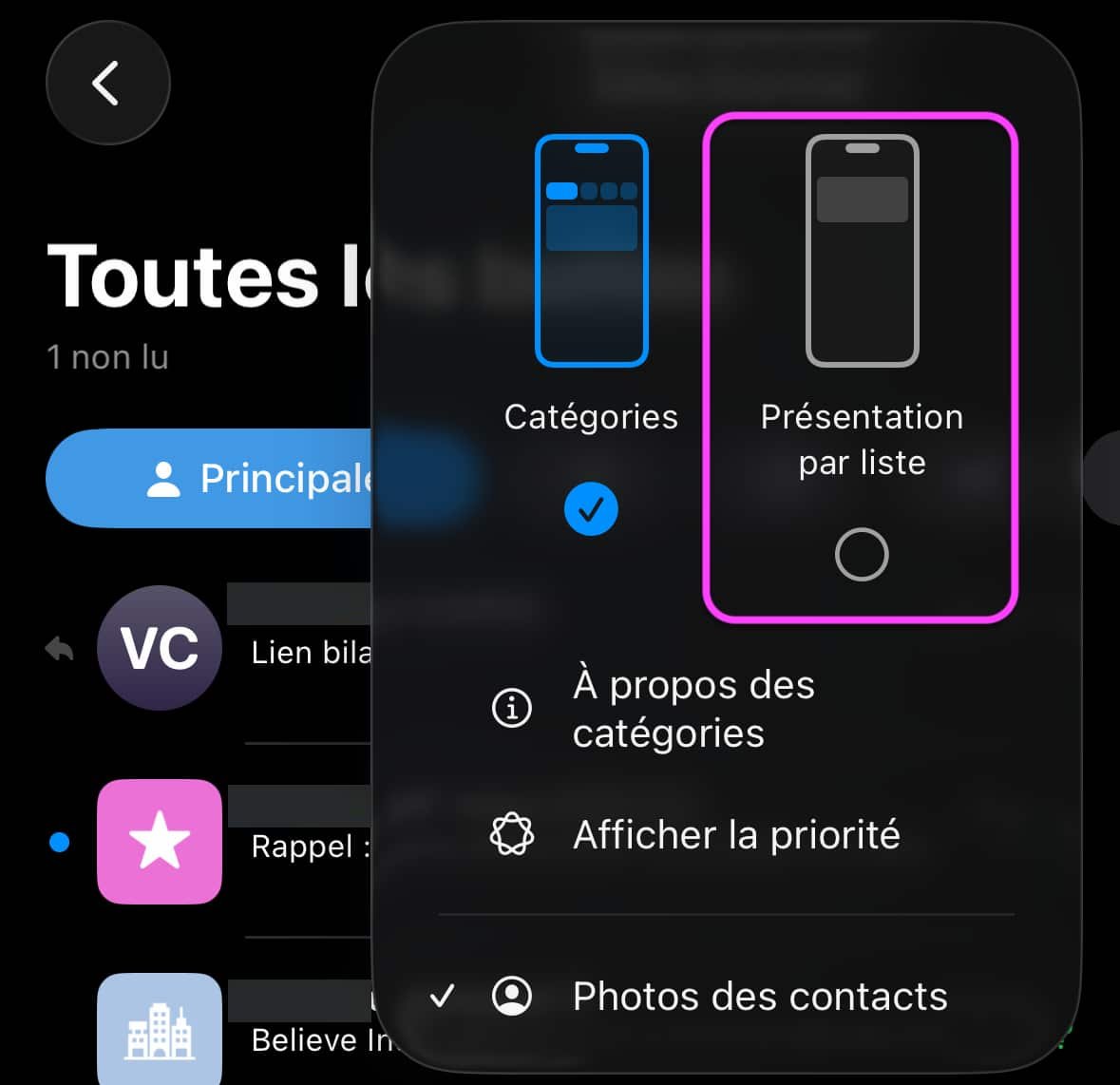
- Select “List View”
© iOS screenshot by pocketphotography.com
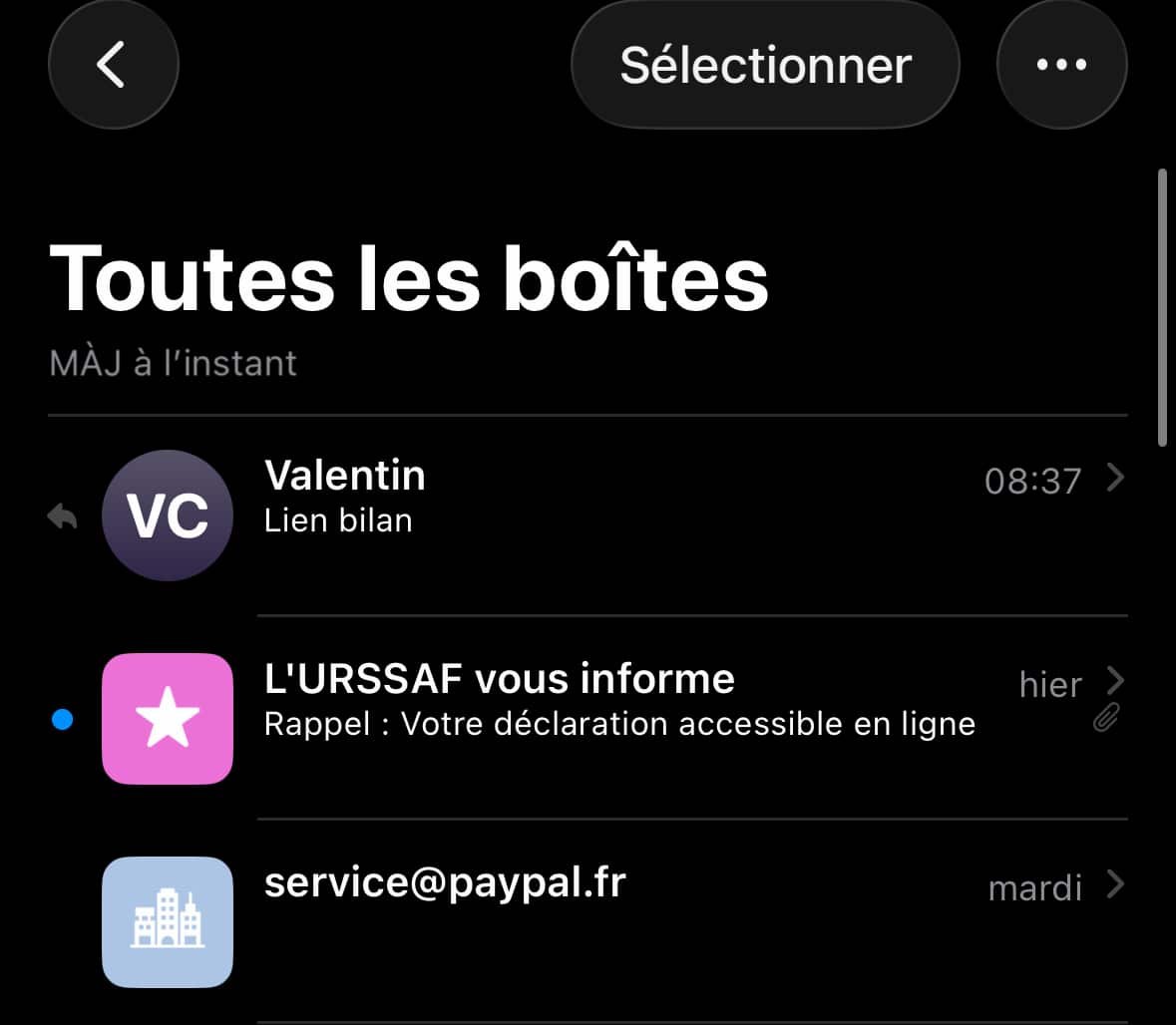
Your emails now appear in a single chronological listas before.
© iOS screenshot by pocketphotography.com
To return to sorting by categories, simply repeat the procedure and select “Categories”.
You can also quickly scroll to the left at the top of your inbox to view temporarily all your emails without going through the settings.

By: Keleops AG




