
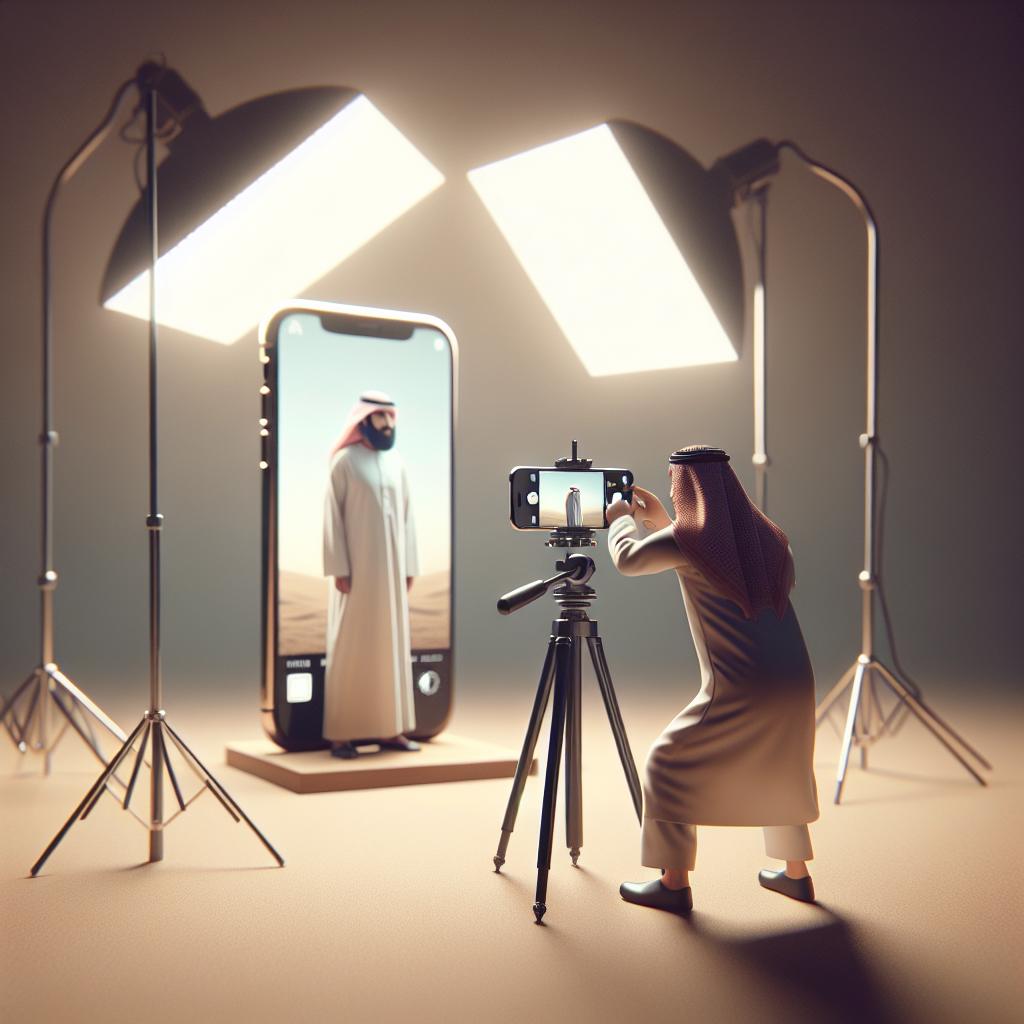
In the realm of photography, lighting is paramount. It can transform a mundane snapshot into a breathtaking image. With the evolution of smartphone technology, particularly the iPhone, everyone has the potential to become a skilled photographer. The iPhone’s advanced camera capabilities offer incredible opportunities to capture stunning images, but understanding and manipulating light remain crucial. This article delves into optimal lighting techniques that will help you master iPhone photography.
Understanding the Basics of Lighting
Before diving into techniques, it’s essential to grasp the fundamental concepts of lighting. Light in photography is about direction, quality, and intensity. These three aspects determine how light affects your subject and ultimately the outcome of your photo.
Direction
The direction of light can dramatically alter the mood and dimensions of an image. Front lighting, where the light source is directly in front of the subject, tends to flatten features. Side lighting, on the other hand, adds depth and texture, enhancing the subject’s details. Backlighting, which positions the light source behind the subject, can create silhouettes or halos, adding a dramatic effect.
Quality
Light quality refers to its softness or hardness. Soft light, such as that diffused through clouds, produces gentle shadows and smooth transitions between light and dark. Hard light, like direct sunlight, results in sharp, defined shadows and high contrast.
No products found.
Intensity
Intensity pertains to the brightness of the light. High-intensity light can lead to overexposure, while low-intensity light may result in underexposed images. Balancing intensity is crucial for capturing well-exposed photographs.
Tapping Into Natural Light
Natural light is a versatile and readily available resource for iPhone photography. Harnessing it effectively can significantly enhance your photos.
The Golden Hour
The golden hour, the period shortly after sunrise or before sunset, offers soft, warm lighting that is ideal for photography. During this time, the sun is low in the sky, producing long shadows and a gentle glow. This lighting is perfect for portraits and landscapes, as it adds warmth and depth to your images.
Overcast Days
While sunny days may seem ideal, overcast conditions provide excellent lighting for photography. Clouds act as natural diffusers, softening the light and reducing harsh shadows. This even lighting is particularly beneficial for capturing detailed subjects and portraits.
Finding Shade
When shooting in bright sunlight, seek out shaded areas to minimize harsh shadows and overexposure. The shade provides a more uniform and softer light, resulting in a more balanced image.
Utilizing Artificial Light
In situations where natural light is insufficient or unavailable, artificial lighting can be a valuable tool. The key is to use it effectively to complement your subject and desired mood.
Using Built-in Flash
The iPhone’s built-in flash can be useful in low-light situations, but it often produces harsh, direct light. To soften the flash, you can place a piece of tissue or translucent tape over it, which will help diffuse the light and reduce harshness.
External Light Sources
Consider using external light sources such as LED panels or portable lamps. These tools allow you to control the direction, intensity, and quality of light. Experiment with different angles and distances to achieve the desired effect.
DIY Lighting Solutions
In a pinch, everyday items can serve as effective lighting tools. For example, use a white sheet of paper or a piece of aluminum foil to reflect light onto your subject, filling in shadows and enhancing brightness.
Controlling Exposure and Focus
Proper exposure and focus are critical for achieving sharp, well-lit photos. The iPhone camera offers several features to help you control these aspects effectively.
Adjusting Exposure
When framing your shot, tap the screen to set focus. You’ll see a sun icon appear next to the focus square. By sliding your finger up or down, you can adjust the exposure manually. This feature allows you to brighten or darken the image as needed.
Locking Focus and Exposure
In situations where lighting conditions are changing, such as during sunset or when photographing moving subjects, use the auto exposure/auto focus (AE/AF) lock. Simply tap and hold on the screen until the AE/AF lock appears. This function maintains consistent exposure and focus, ensuring stable results.
Experimenting with Light and Shadows
Shadows and highlights can add drama and intrigue to your photographs. Embrace them as creative elements to elevate your compositions.
Silhouettes
To create striking silhouettes, position your subject in front of a bright light source, such as the sun or a window. Tap on the brightest part of the scene to set exposure, darkening the subject and highlighting its shape against the light.
Shadow Play
Experiment with shadows by incorporating interesting shapes and patterns into your composition. Use blinds, leaves, or other objects to cast shadows on your subject, adding depth and visual interest to your photo.
Editing for Enhanced Lighting
Post-processing can further enhance lighting in your images. The iPhone offers powerful editing tools within the Photos app that allow you to refine your photos with precision.
Adjusting Brightness and Contrast
Use the brightness and contrast sliders to fine-tune the exposure of your image. Increasing brightness can bring out details in shadowed areas, while adjusting contrast enhances the distinction between light and dark elements.
Utilizing Highlights and Shadows
The highlights and shadows sliders provide additional control over the tonal range of your photo. Reduce highlights to recover details in overexposed areas, and lift shadows to reveal information in darker regions.
Applying Filters
Filters can alter the mood and tone of your image. Experiment with different options to see how they affect the lighting and overall feel of your photo. Remember, subtlety is key; use filters to enhance, not overpower, your original image.
Conclusion
Mastering lighting techniques is essential for taking your iPhone photography skills to the next level. By understanding the properties of light and harnessing both natural and artificial sources, you can capture stunning images that convey mood, depth, and emotion. Remember to experiment and practice; the more you explore different lighting conditions and techniques, the more proficient you’ll become. With a keen eye and a few creative tricks, your iPhone can produce professional-quality photos that rival those taken with traditional cameras.




