
“`html
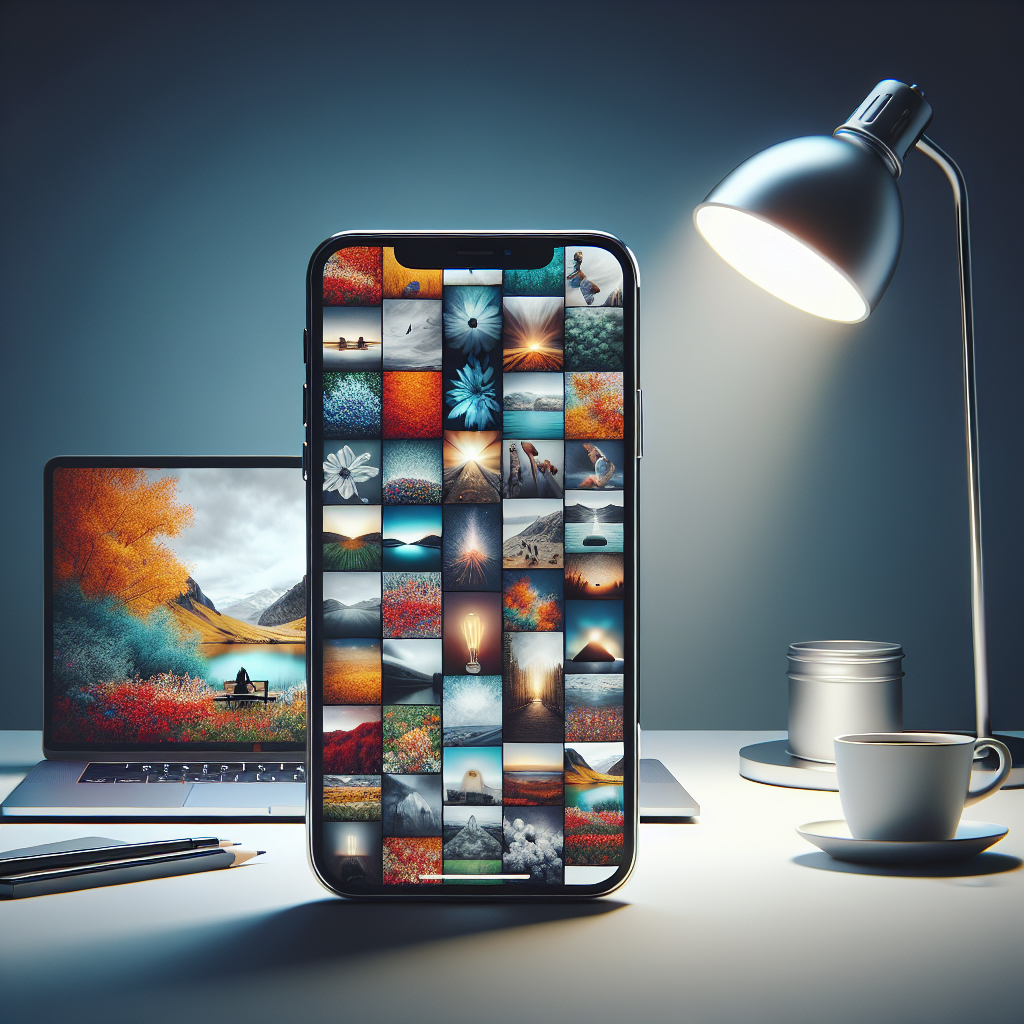
In the age of smartphones, iPhone photography has become a popular form of self-expression. With the powerful cameras on modern iPhones and the plethora of editing apps available, anyone can transform a simple snapshot into a work of art. Whether you’re a seasoned photographer or a casual user, these creative editing ideas can help you enhance your photos and make them stand out.
Understanding the Basics of iPhone Photography
Before diving into editing, it’s essential to have a good understanding of the basics of iPhone photography. The iPhone camera is highly sophisticated, offering features such as portrait mode, night mode, and live photos. By familiarizing yourself with these features, you can capture high-quality images that are prime for editing.
Lighting and Composition
The key to a great photo is often the lighting and composition. Natural light is your best friend, so try to take photos during the golden hours of sunrise and sunset. Pay attention to the rule of thirds, leading lines, and framing to create a balanced image that draws the viewer’s eye.
No products found.
Using iPhone’s Built-In Features
iPhones come with powerful built-in camera features. Use the grid to enhance your composition, adjust the exposure by tapping and dragging on the screen, and explore the different modes like panorama and burst to capture dynamic scenes.
Essential Editing Apps for iPhone
While the built-in Photos app offers basic editing tools, third-party apps can take your edits to the next level. Here are some essential apps that every iPhone photographer should consider:
Snapseed
Snapseed is a free, professional-grade photo editor developed by Google. It offers a wide range of tools, from basic adjustments like brightness and contrast to advanced features such as selective adjustments and healing.
VSCO
VSCO is known for its beautiful, film-like presets. It’s perfect for those who want to give their photos a consistent look. Beyond presets, VSCO also provides advanced editing tools for tweaking exposure, color, and sharpness.
Adobe Lightroom Mobile
This app offers powerful editing tools similar to its desktop counterpart. With Lightroom Mobile, you can adjust colors, tones, and details with precision. It’s especially useful for RAW photo editing.
Creative Editing Ideas to Transform Your Photos
Now that you have the right tools, let’s explore some creative editing ideas that can transform your photos into stunning visuals.
Playing with Double Exposure
Double exposure is a technique that combines two images into a single photo. You can create surreal and dream-like images by overlaying a portrait with a landscape or texture. Apps like Snapseed and Photoshop Express offer tools to achieve this effect.
Creating Cinematic Looks
Give your photos a cinematic feel by editing with a specific color palette and aspect ratio. Use apps like VSCO or Lightroom to adjust the tones and add a letterbox (black bars) to mimic the look of a film still.
Experimenting with Black and White
Converting a photo to black and white can add drama and focus to the subject. Use the editing tools to adjust the contrast and structure, bringing out textures and details that might be lost in color.
Adding Textures and Overlays
Textures and overlays can add depth and interest to your photos. Try adding a subtle grain, light leaks, or bokeh effects using apps like Mextures or Lens Distortions. These elements can create a more atmospheric image.
Utilizing Selective Color
Selective color allows you to desaturate parts of the image while keeping other areas in full color. This technique can draw attention to a particular subject, creating a striking visual effect. Snapseed’s selective tool is perfect for this edit.
Creating Panoramas and Vertoramas
While the iPhone can capture panoramas, you can also stitch multiple images together for a more detailed panoramic or vertorama (vertical panorama) effect. Apps like AutoStitch can help you create seamless wide-angle views.
Adding Text and Graphics
Incorporating text or graphics can turn your photo into a storytelling piece or an attention-grabbing social media post. Use apps like Canva or Over to add stylish fonts and design elements.
Enhancing Portraits with Advanced Techniques
Portraits can be enhanced dramatically with a few advanced editing techniques. Here are some ideas to elevate your portrait photography:
Smoothing Skin and Enhancing Features
Apps like Facetune allow you to smooth skin, whiten teeth, and enhance eyes with just a few taps. Use these tools sparingly to maintain a natural look.
Playing with Depth of Field
While portrait mode adds a nice bokeh effect, you can enhance it further in post-production. Use apps like AfterFocus to manually adjust the depth of field and create a more pronounced background blur.
Creative Lighting Effects
Experiment with adding artificial lighting effects like lens flares or sunbeams using Lens Distortions. These effects can add warmth and focus to a portrait, creating a more dynamic image.
Conclusion
Editing photos on an iPhone opens up a world of creative possibilities. With a good understanding of the basics, the right tools, and a dash of creativity, you can transform ordinary photos into stunning works of art. Whether you’re experimenting with double exposure, creating cinematic looks, or enhancing portraits, the key is to practice and find your unique style. So grab your iPhone, start editing, and let your creativity shine!
“`




