
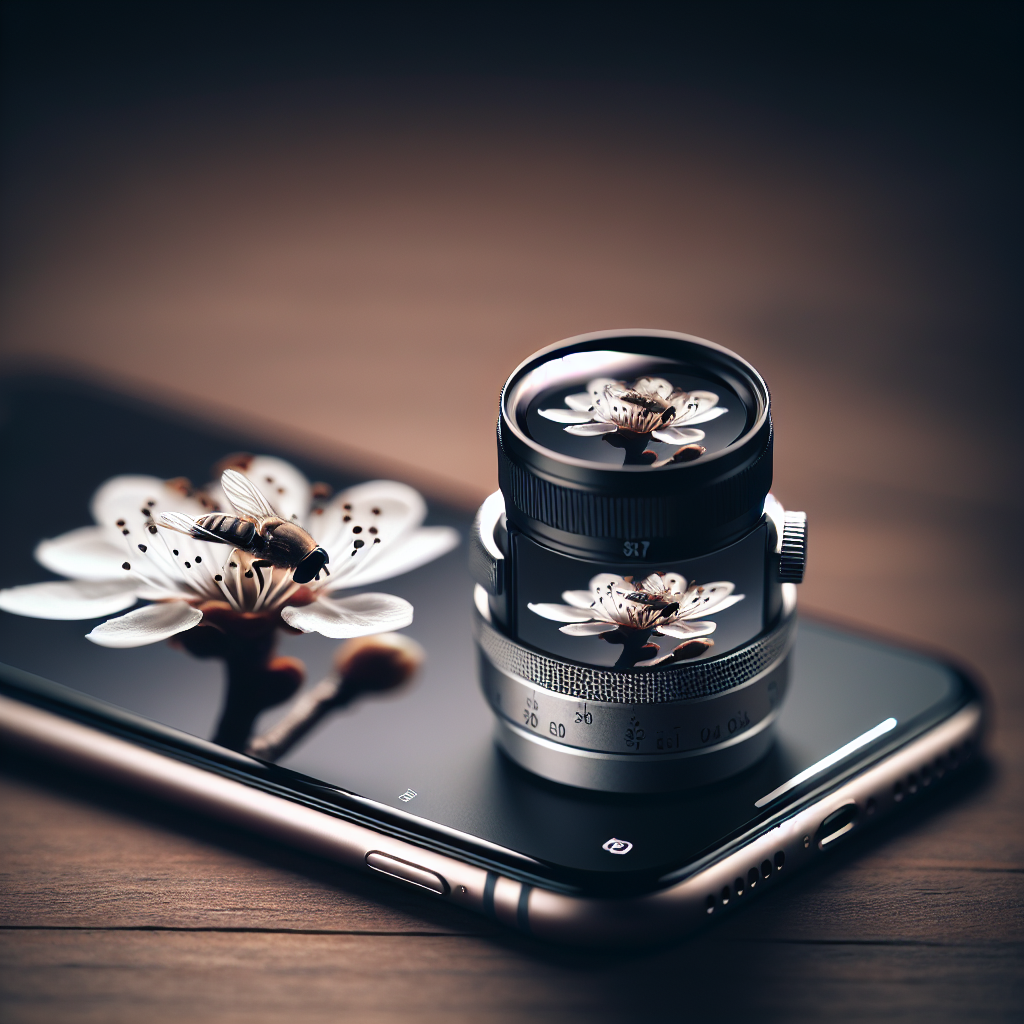
Introduction to iPhone Macro Photography
In the realm of photography, macro photography holds a unique charm. It offers a new perspective by capturing the intricate details and textures of objects that are often overlooked. With advancements in smartphone technology, particularly with iPhones, macro photography is more accessible than ever. This guide will take you through mastering iPhone macro photography, ensuring you capture stunning shots every time.
Understanding Macro Photography
Macro photography involves taking close-up pictures of small subjects, revealing details that aren’t visible to the naked eye. The goal is often to capture subjects at a 1:1 ratio or larger, where the subject appears life-sized or bigger in the photograph. This type of photography can transform everyday objects into extraordinary visuals.
Why Use an iPhone for Macro Photography?
While DSLR cameras have traditionally been the go-to for macro photography, iPhones offer several advantages:
– **Portability**: iPhones are compact and easy to carry, making them ideal for spontaneous macro shots.
No products found.
– **Quality**: Modern iPhones have high-resolution cameras that can rival traditional cameras.
– **Ease of Use**: With intuitive interfaces and built-in editing tools, iPhones simplify the macro photography process.
– **Affordability**: Using an iPhone for macro photography eliminates the need for expensive lenses and equipment.
Essential Gear for iPhone Macro Photography
To start your journey in iPhone macro photography, you don’t need much, but a few accessories can enhance your results.
Macro Lenses
Attaching a macro lens to your iPhone can significantly improve its macro capabilities. These lenses are designed to bring subjects into sharp focus at close range. Popular options include:
– **Olloclip**: Known for its high-quality glass and versatile kits.
– **Moment Lenses**: Offers excellent optics and a solid mounting system.
– **Apexel**: A budget-friendly option that delivers impressive results.
Tripods and Stabilizers
Macro photography requires a steady hand, as even the slightest movement can result in a blurry image. A tripod or stabilizer will help keep your iPhone stable. Consider:
– **Joby GorillaPod**: Flexible legs that wrap around objects for stability.
– **DJI Osmo Mobile**: A gimbal that provides stability and smooth motion.
Lighting Accessories
Good lighting is crucial in macro photography. Natural light is ideal, but external lighting can enhance your photos in low-light conditions. Options include:
– **Ring Lights**: Provides even lighting and minimizes shadows.
– **LED Panels**: Adjustable brightness and color temperature for customized lighting.
Mastering the Art of iPhone Macro Photography
With the right gear and settings, you can capture stunning macro shots with your iPhone. Here are some essential tips:
Getting Close and Personal
The essence of macro photography is getting close to your subject. Move your iPhone as close as possible while maintaining focus. A macro lens will allow you to get even closer without losing clarity.
Focus and Exposure
Tap the screen to set the focus on your subject. For precise control, press and hold to lock the focus. Adjust exposure by sliding your finger up or down. This manual control ensures that critical details are sharp and well-lit.
Steady Your Shot
Even the slightest shake can ruin a macro shot. Use a tripod or stabilizer, and consider using the volume buttons or a remote shutter release to take the photo without touching the screen.
Utilize Burst Mode
Macro subjects like insects can move quickly. Use burst mode to capture multiple shots in quick succession. This increases your chances of getting the perfect shot where everything aligns just right.
Experiment with Angles and Perspectives
Don’t be afraid to explore different angles and perspectives. The beauty of macro photography is that it can transform ordinary subjects into extraordinary images. Try shooting from above, below, or from the side to find the most captivating composition.
Pay Attention to the Background
A cluttered background can distract from your subject. Use a shallow depth of field to blur the background and make your subject stand out. Position your iPhone so that the background complements the subject, adding to the overall composition rather than detracting from it.
Editing Your iPhone Macro Photos
Post-processing can enhance your macro photos, bringing out details and correcting any imperfections. Here are some editing tips:
Use Editing Apps
Apps like Snapseed, Adobe Lightroom, and VSCO offer powerful tools for editing your macro photos. You can adjust brightness, contrast, and sharpness, and apply filters to achieve the desired effect.
Crop for Composition
Sometimes, cropping can improve the composition of your photo. By eliminating distractions and focusing on the most interesting part of the image, you can create a more impactful photo.
Enhance Colors and Details
Increase saturation and contrast to make colors pop. Use sharpening tools to emphasize details, adding definition to textures that might be lost in the original shot.
Common Challenges and How to Overcome Them
Macro photography can be challenging, especially with a smartphone. Here are some common issues and solutions:
Dealing with Limited Depth of Field
At close distances, achieving a deep field of focus can be difficult. To mitigate this, ensure you have ample lighting and use a smaller aperture if possible. Alternatively, focus stacking with apps like Helicon Focus can combine several images to increase depth of field.
Managing Light and Shadows
Lighting is critical in macro photography. Use reflectors or diffusers to manage shadows and highlight your subject. Pay attention to the direction of light to avoid harsh shadows that obscure details.
Handling Moving Subjects
Capturing macro shots of moving subjects like insects can be tricky. Patience is key. Wait for the right moment, and use burst mode to increase your chances of capturing a sharp image.
Conclusion: The Joy of iPhone Macro Photography
Mastering iPhone macro photography opens up a world of creative possibilities. With the right techniques, tools, and a keen eye for detail, you can transform the mundane into the extraordinary. Whether you’re capturing the delicate petals of a flower, the intricate patterns of a leaf, or the mesmerizing details of an insect, macro photography allows you to see the world from a new perspective. Embrace the adventure, experiment with different techniques, and most importantly, have fun exploring the incredible art of macro photography with your iPhone.




