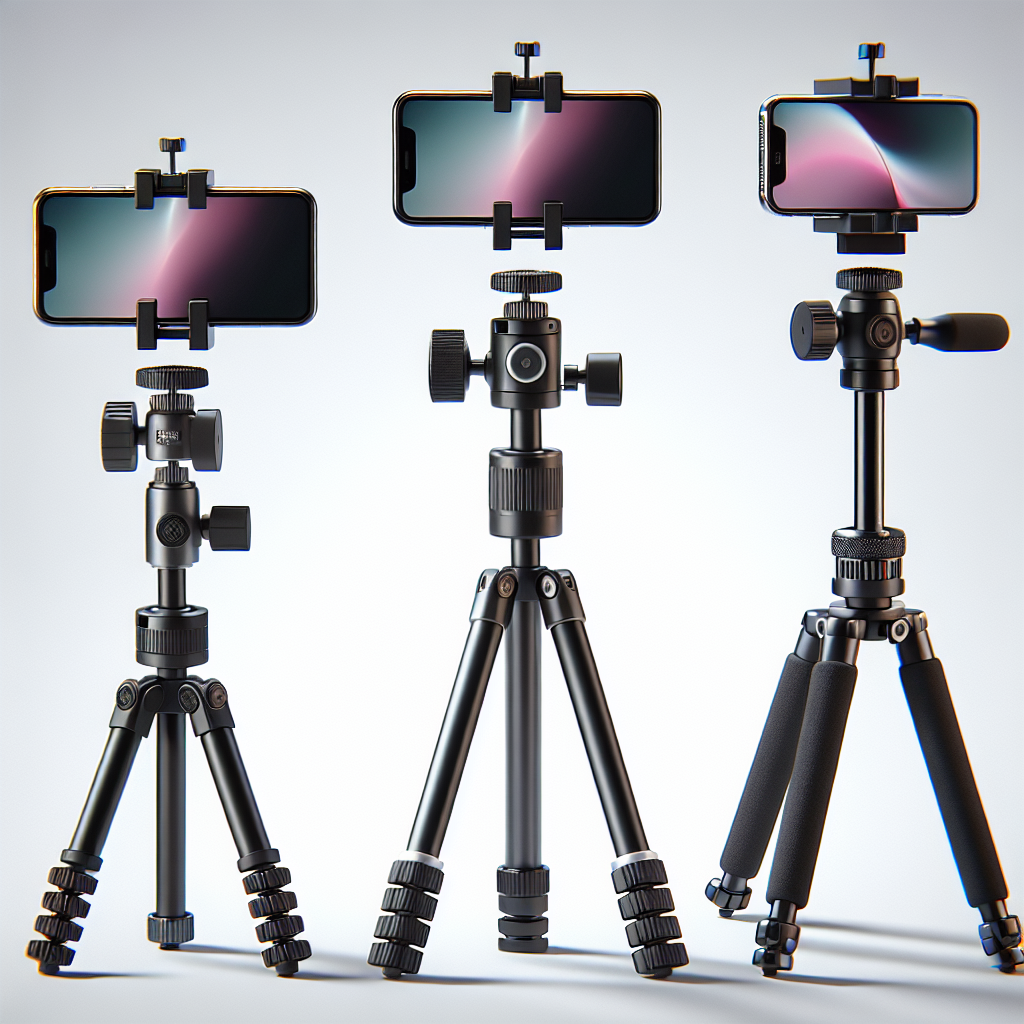
The iPhone has revolutionized photography, making it easy for anyone to capture beautiful images at the touch of a button. However, even the best smartphone cameras can benefit from a little enhancement. This is where camera filters come into play. By using the right filters, you can elevate your photography to new heights, transforming ordinary shots into stunning works of art. In this article, we will explore the top iPhone camera filters that can help you achieve stunning photos, whether you’re a professional photographer or an enthusiastic amateur.
Understanding Camera Filters
Before diving into the best filters for your iPhone, it’s important to understand what camera filters are and how they work. Camera filters are accessories that alter the light entering your camera’s lens. They can enhance colors, reduce glare, and add special effects to your images. With the rise of digital photography, many filters are now available as apps, but physical filters still have their place, especially for serious photographers who want to get the most out of their shots.
Why Use Camera Filters?
Camera filters serve various purposes, and the reasons for using them can vary depending on the photographer’s goals. Some of the most common reasons include:
- Enhancing Colors: Filters can make the colors in your photos pop, adding vibrancy and depth to your images.
- Reducing Reflections and Glare: Polarizing filters can help minimize reflections from non-metallic surfaces, making them especially useful for landscape photography.
- Controlling Exposure: Neutral density filters allow you to manage exposure settings in bright lighting conditions, enabling longer exposure times without overexposing the image.
- Creating Artistic Effects: Some filters are designed to add unique effects to your photos, such as soft focus or a starburst effect.
Top iPhone Camera Filters
Now that we understand the benefits of using camera filters, let’s explore some of the top options available for iPhone users.
No products found.
1. PolarPro Iris Filter System
The PolarPro Iris Filter System is a favorite among iPhone photographers who want to elevate their landscape and outdoor shots. This system includes a set of polarizing and neutral density (ND) filters that can be easily attached to your iPhone using a clip-on mount. The ND filters are particularly useful for capturing motion blur in waterfalls or achieving the perfect exposure in bright light conditions. The polarizing filter, on the other hand, is excellent for reducing glare and enhancing colors, making it ideal for shooting reflective surfaces like water or glass.
2. Moment Anamorphic Lens with Filter Mount
While not a filter in the traditional sense, the Moment Anamorphic Lens paired with their filter mount offers unique possibilities for iPhone photographers. This lens creates a cinematic widescreen effect with signature lens flares, perfect for video creators looking to add a professional touch to their footage. The filter mount allows you to attach standard 62mm filters, enabling the use of ND, polarizing, or any other creative filters you might want to experiment with.
3. Sandmarc Hybrid ND/PL Filters
Sandmarc is known for producing high-quality lens attachments and filters for smartphones, and their Hybrid ND/PL filters are no exception. These filters combine the benefits of both neutral density and polarizing filters, making them versatile tools for a variety of shooting conditions. The Hybrid ND/PL filters are excellent for reducing glare and reflections while also allowing for controlled exposure, which is particularly useful when shooting in bright and sunny environments.
4. Tiffen Pro-Mist Filter for iPhone
The Tiffen Pro-Mist Filter is designed to soften and diffuse highlights, creating a dreamy, ethereal look in your photos and videos. This filter is popular among filmmakers and photographers who want to add a touch of magic to their work. By reducing contrast and softening fine details, the Pro-Mist filter helps produce images with a classic, cinematic quality that is often sought after in portrait and landscape photography.
5. ShiftCam Aspherical Macro Lens with Filters
For macro photography enthusiasts, the ShiftCam Aspherical Macro Lens is a powerful tool. This lens allows you to capture incredible close-up details, revealing textures and patterns that are often invisible to the naked eye. When paired with ShiftCam’s filter system, which includes polarizing and ND filters, you can further enhance your macro shots by controlling reflections and exposure, resulting in sharp, detailed images.
6. Olloclip Pro Series Telephoto Lens with Filters
If you’re looking to get closer to your subject without sacrificing image quality, the Olloclip Pro Series Telephoto Lens is a must-have accessory. This lens provides 2x optical zoom, allowing you to capture subjects at a distance while maintaining clarity and detail. The accompanying filter kit includes a polarizing filter to manage glare and reflections, making it an excellent choice for capturing distant landscapes or detailed portraits.
Choosing the Right Filter for Your Needs
With so many options available, choosing the right filter for your iPhone camera can be overwhelming. Here are some factors to consider when making your decision:
- Photography Style: Consider the type of photography you enjoy most. If you love landscapes, a polarizing filter might be essential. For portrait photography, a Pro-Mist filter could be more beneficial.
- Shooting Conditions: Think about the environments you frequently shoot in. If you often find yourself in bright, sunny locations, an ND filter could help you control exposure. For shooting in reflective environments, a polarizing filter might be more useful.
- Budget: Filters can range from affordable to quite expensive. Determine your budget and prioritize the filters that will give you the most value for your money.
- Compatibility: Ensure that the filter system you choose is compatible with your specific iPhone model. Some filters require additional mounts or cases to attach properly.
Tips for Using iPhone Camera Filters
Once you’ve chosen the right filters for your photography, here are some tips to help you get the most out of them:
- Experiment with Angles: Filters can have different effects depending on the angle of the light. Try rotating the filter or changing your shooting angle to achieve the desired effect.
- Combine Filters: Don’t be afraid to stack filters for creative effects. For example, combining a polarizing filter with an ND filter can help you achieve both glare reduction and controlled exposure.
- Use a Tripod: When using ND filters for long exposures, a tripod is essential to keep your camera steady and avoid blurry images.
- Clean Your Filters: Keep your filters clean and free from dust or smudges to ensure optimal image quality.
- Practice: Like any new photography equipment, practice makes perfect. Spend time experimenting with different filters and settings to understand how they affect your images.
Conclusion
Camera filters are powerful tools that can significantly enhance your iPhone photography. Whether you’re looking to reduce glare, control exposure, or add creative effects, there’s a filter out there to suit your needs. By choosing the right filters and learning how to use them effectively, you can take your iPhone photography to the next level and capture stunning photos that stand out from the crowd.
Remember, the key to successful photography is experimentation and practice. Don’t be afraid to try different filters and techniques to discover what works best for you. With the right tools and a creative mindset, you can transform your iPhone photos into true works of art.