
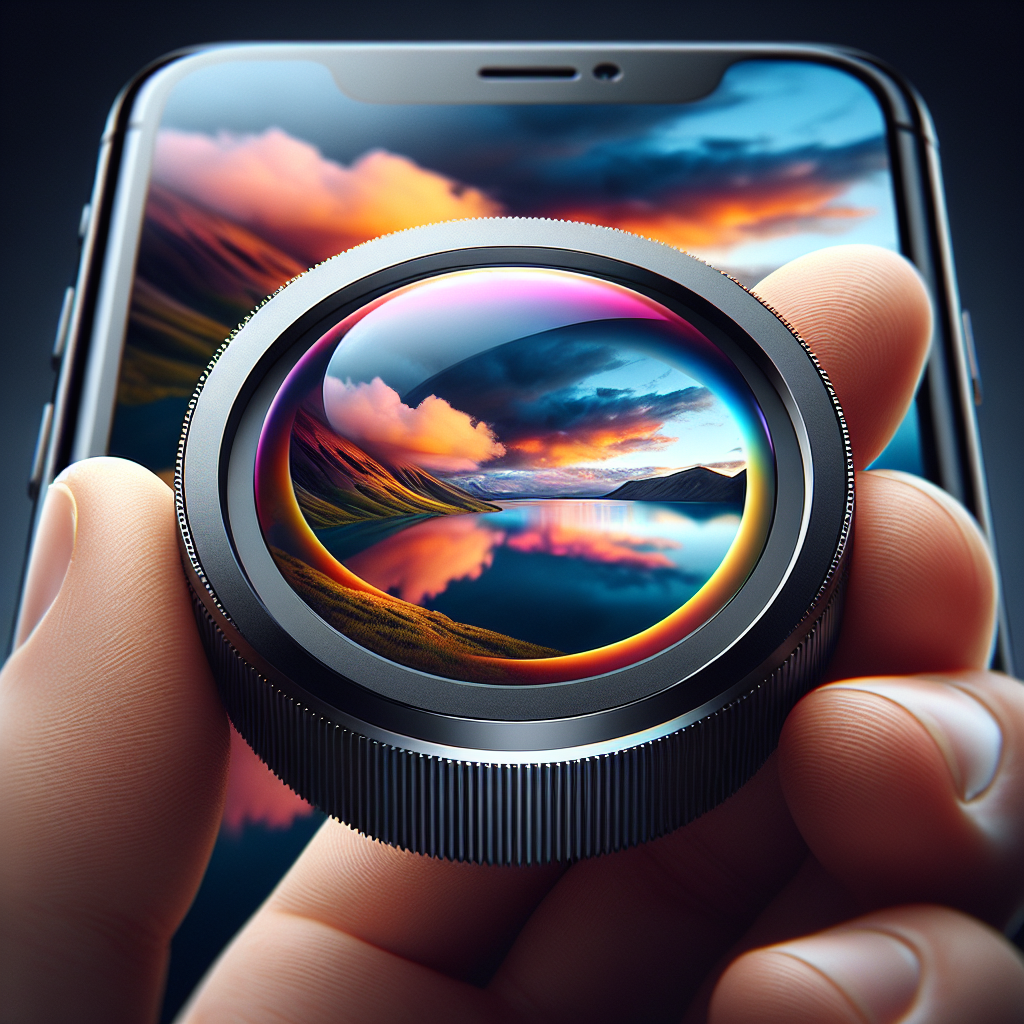
Introduction to iPhone’s Wide Angle Lens
With each new iPhone iteration, Apple continues to push the boundaries of smartphone photography. One of the standout features in recent models is the wide angle lens, designed to capture expansive scenes and provide a fresh perspective to your photos. Whether you’re photographing landscapes, urban architecture, or group shots, mastering the iPhone’s wide angle lens can dramatically enhance the quality and creativity of your images.
Understanding the Wide Angle Lens
The wide angle lens on an iPhone typically comes with a larger field of view compared to the standard lens. This allows you to fit more into the frame, which is perfect for capturing sweeping vistas or tight interior spaces. The lens generally has a focal length equivalent to about 13mm, which is significantly shorter than the standard lens, allowing for that characteristic wide perspective.
Key Features of the iPhone Wide Angle Lens
High Resolution
The wide angle lens maintains high resolution, ensuring that even the broader field of view is captured with clarity and detail. This is crucial for maintaining image quality, especially when cropping or enlarging sections of your photos.
Enhanced Low-Light Performance
Recent iPhone models feature improved low-light performance for the wide angle lens. This means you can capture stunning images without the need for a flash, even in dimly lit environments. The Night Mode feature further enhances this capability, allowing for bright, sharp images in the dark.
No products found.
Distortion Correction
Wide angle lenses can sometimes cause distortion, making straight lines appear curved. The iPhone’s software includes distortion correction to mitigate this effect, ensuring your images look natural and professional.
Tips for Capturing Stunning Shots with the Wide Angle Lens
Compose Thoughtfully
When using a wide angle lens, composition becomes even more critical. Pay attention to the foreground, middle ground, and background elements. Leading lines can be particularly effective in drawing the viewer’s eye through the image.
Experiment with Angles
The wide angle lens allows for creative experimentation with angles. Try shooting from a low vantage point to exaggerate the height of your subject or from a high angle to showcase a sprawling landscape.
Utilize the Grid Feature
Enable the grid feature in your camera settings to help align your shots. The rule of thirds can be a useful guideline to ensure your compositions are balanced and engaging.
Mind the Edges
Be aware of the edges of your frame, as the wide angle perspective can sometimes include unwanted elements. Slight adjustments to your positioning or cropping in post-processing can help maintain a clean composition.
Advanced Techniques for the Ambitious Photographer
Pano Mode for Ultra-Wide Shots
For those who want to capture even broader scenes, the Pano mode on the iPhone can be combined with the wide angle lens for ultra-wide shots. This is perfect for capturing sweeping landscapes or the interior of large spaces.
Combining with Portrait Mode
Using the wide angle lens in conjunction with Portrait mode can create stunning effects, particularly for environmental portraits where you want to include a sense of place along with your subject.
Time-Lapse and Slow Motion
Experiment with time-lapse and slow motion features using the wide angle lens to add dynamic elements to your photography. Capturing movement over time from a wide perspective can produce captivating visual narratives.
Common Challenges and How to Overcome Them
Managing Distortion
Despite software corrections, some distortion may still occur. To minimize this, avoid placing important subjects along the edges of the frame and try to keep your camera level.
Dealing with Lighting Issues
Wide angle shots can sometimes have uneven lighting due to the expansive field of view. Use exposure adjustment tools, HDR, and post-processing techniques to balance the lighting in your images.
Post-Processing Tips
Enhancing Colors and Contrast
Use editing software to enhance colors and contrast, bringing out the vibrancy in your wide angle shots. Be careful not to overdo it, as subtle adjustments usually yield the best results.
Cropping and Straightening
Post-processing is a great time to correct any remaining distortion or unwanted elements by cropping and straightening your images. This can also help refine your composition.
Conclusion: Elevate Your Photography with the iPhone’s Wide Angle Lens
Mastering the iPhone’s wide angle lens opens up a world of photographic possibilities. Whether you’re a seasoned photographer or a casual user looking to enhance your mobile photography skills, understanding how to effectively use this feature can result in stunning, professional-quality images. By incorporating thoughtful composition, experimenting with angles, and utilizing advanced techniques, you can elevate your photography and capture breathtaking shots that make the most of your iPhone’s capabilities.


