
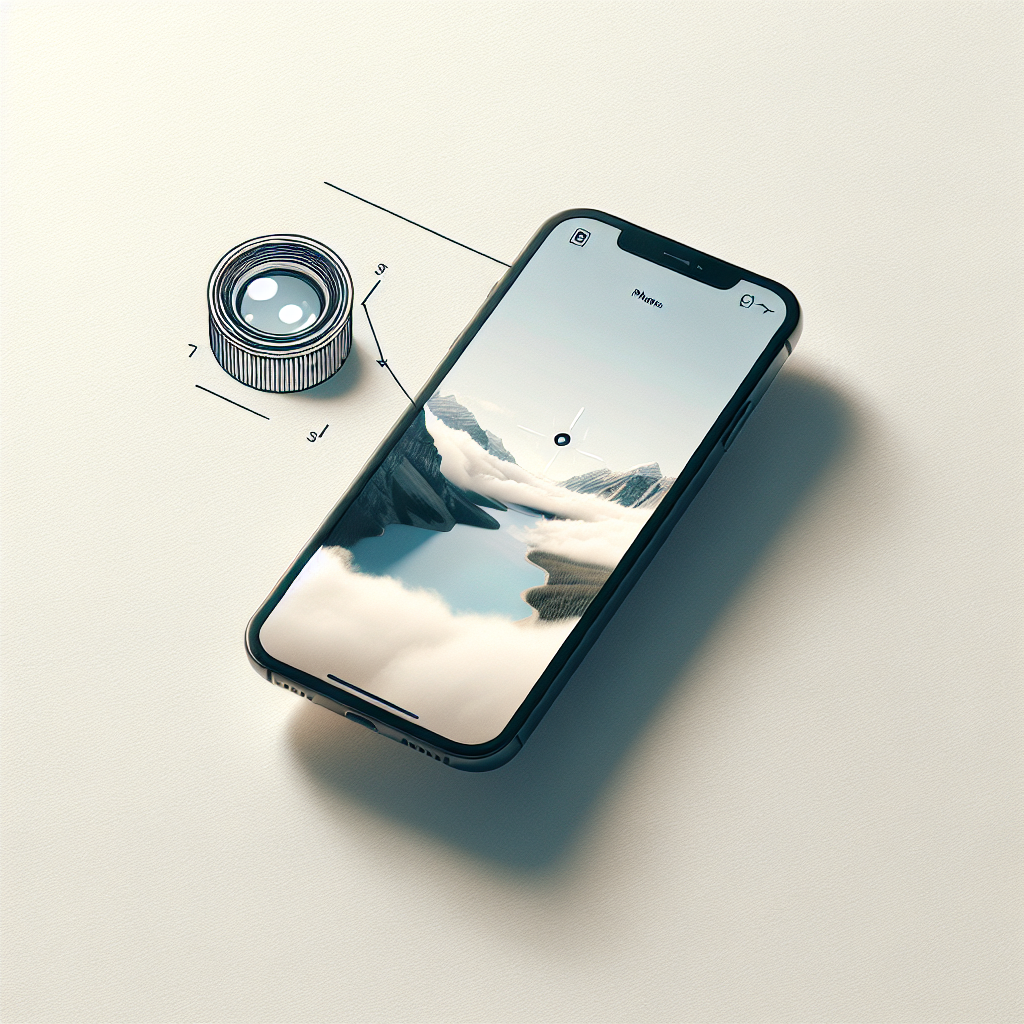
The iPhone has become synonymous with impressive photography capabilities, particularly with the introduction of telephoto lenses in its premium models. These lenses open up a world of possibilities, allowing users to capture stunning shots from a distance without compromising on quality. Whether you are a budding photographer or an experienced shutterbug, mastering the iPhone’s telephoto lens can significantly enhance your photographic skills. This article delves into the essential tips and techniques to help you make the most of this powerful feature.
Understanding the iPhone Telephoto Lens
Before diving into the tips, it’s crucial to understand what the telephoto lens on an iPhone does. The telephoto lens is designed to zoom in on subjects without losing detail, effectively bringing distant objects closer. Unlike digital zoom, which crops and enlarges the image, optical zoom provided by the telephoto lens maintains high image quality by using the lens’s physical properties.
The Evolution of iPhone Telephoto Lenses
Apple introduced the telephoto lens with the iPhone 7 Plus, featuring a dual-camera system with a wide-angle and a telephoto lens. Over the years, the telephoto lens has seen significant improvements in terms of aperture, stabilization, and zoom capabilities. The iPhone 13 Pro and Pro Max, for example, offer up to 3x optical zoom, providing even more flexibility for photographers.
Getting Started with Telephoto Photography
To get started with telephoto photography on your iPhone, ensure you have a model equipped with this feature. As of the latest models, the telephoto lens is available on the Pro versions, including the iPhone 13 Pro and Pro Max. Here’s how you can start capturing stunning shots:
No products found.
Accessing the Telephoto Lens
To switch to the telephoto lens, open the Camera app and tap the “1x” or “2x” button, depending on your model. This will switch to the telephoto lens, allowing you to zoom in optically. You can also pinch to zoom, but be aware that beyond the optical zoom limit, your iPhone will switch to digital zoom.
Stabilizing Your Shots
Telephoto lenses are more sensitive to movement, so it’s essential to stabilize your shots. Use both hands to hold your iPhone, or better yet, use a tripod. Many models come with optical image stabilization (OIS) for the telephoto lens, which helps reduce motion blur in low-light conditions.
Essential Tips for Stunning Telephoto Shots
1. Utilize the Rule of Thirds
The Rule of Thirds is a fundamental photography principle that helps create balanced and aesthetically pleasing images. Imagine dividing your frame into a 3×3 grid. Position your subject along these lines or at their intersections to achieve a more engaging composition. The iPhone camera has a built-in grid feature you can enable in settings to assist you with this technique.
2. Pay Attention to Lighting
Lighting plays a crucial role in photography. The iPhone telephoto lens performs best in good lighting conditions. When shooting outdoors, aim for the golden hours—shortly after sunrise or before sunset—when the lighting is soft and warm. If shooting indoors, seek out well-lit areas or use additional light sources to illuminate your subject.
3. Experiment with Angles and Perspectives
Don’t be afraid to experiment with different angles and perspectives to add depth and interest to your photos. Try shooting from a low angle to make your subject appear more imposing, or capture your scene from a high vantage point for a broader perspective. The telephoto lens is particularly effective for isolating subjects against blurred backgrounds, creating a professional-looking bokeh effect.
4. Take Advantage of Portrait Mode
Portrait Mode on iPhones utilizes the telephoto lens to create a shallow depth-of-field effect, making your subject stand out while blurring the background. This feature is excellent for portraits and close-up shots, delivering a professional quality akin to DSLR cameras. Experiment with different Portrait Mode lighting effects to enhance your portraits.
5. Focus on Details
The telephoto lens is perfect for capturing intricate details from a distance. Use it to photograph architectural features, nature, or any subjects where details are essential. Tap on the screen to focus on specific areas, ensuring that the details are sharp and well-defined.
Advanced Techniques for Telephoto Photography
1. Mastering Night Mode
While telephoto lenses traditionally struggle in low-light conditions, Apple’s Night Mode significantly improves their performance. When shooting in dim environments, the iPhone automatically enables Night Mode, which uses longer exposure times to brighten the image. Keep your iPhone steady, and use a tripod if possible, to capture sharp, detailed night shots.
2. Leveraging ProRAW for Greater Control
For those looking to take their photography to the next level, the ProRAW feature on the latest iPhone models provides greater control over the final image. ProRAW combines the benefits of RAW image files with Apple’s computational photography, allowing you to adjust exposure, color, and other elements in post-processing without losing quality. This feature is particularly useful for telephoto shots, where precise control over details is desired.
3. Experimenting with Time-Lapse and Slow Motion
The telephoto lens can add a unique touch to time-lapse and slow-motion videos. Use the telephoto lens to focus on distant subjects and create dynamic time-lapse sequences or slow-motion videos with a compressed perspective. This can add a cinematic quality to your footage, making it more engaging and visually appealing.
Conclusion: Embrace Creativity with the iPhone Telephoto Lens
The iPhone’s telephoto lens is a powerful tool that, when mastered, can significantly elevate your photography. By understanding its capabilities and limitations, experimenting with different techniques, and leveraging the iPhone’s advanced features, you can capture stunning shots that tell a story and evoke emotion. Remember, the key to great photography lies in creativity, practice, and a willingness to explore new possibilities. So, grab your iPhone, switch to the telephoto lens, and start shooting your way to photographic excellence.


