
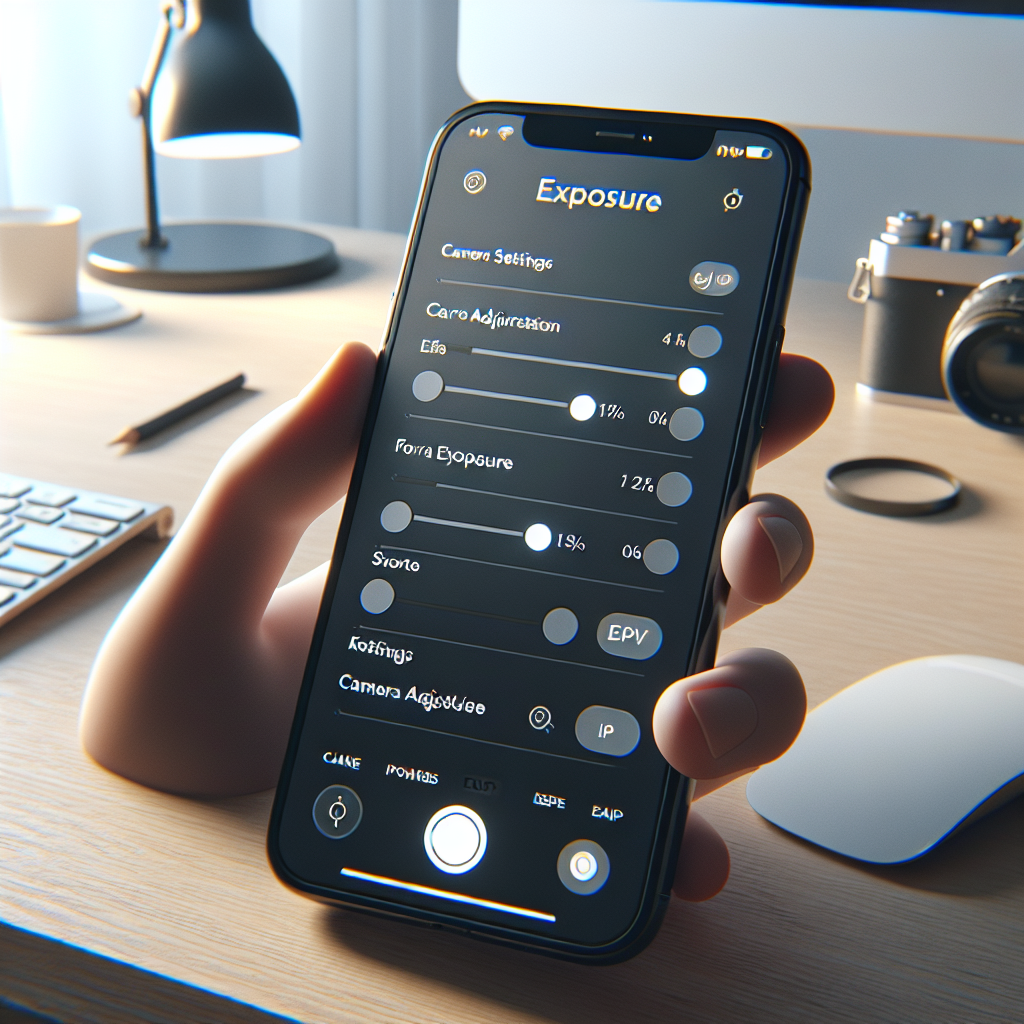
Your iPhone camera is an incredibly powerful tool, capable of capturing stunning images with the right settings. Among the most crucial of these settings is exposure, which dictates how much light your camera’s sensor captures. Mastering exposure can transform your photos from mediocre to magnificent, allowing you to accurately capture the scene as you see it. This guide will walk you through the essentials of iPhone exposure and offer tips for making the most of this feature.
Understanding Exposure
Before diving into the specifics of adjusting exposure on your iPhone, it’s important to understand what exposure is. In photography, exposure refers to the amount of light that reaches the camera sensor. It determines how bright or dark your photo will appear. The key components of exposure are:
- Aperture: The size of the lens opening that allows light to hit the sensor. On iPhones, this is fixed due to the lens design.
- Shutter Speed: How long the sensor is exposed to light. Faster speeds capture less light, while slower speeds capture more light.
- ISO: The sensitivity of the sensor to light. Higher ISO settings can brighten an image but might introduce noise.
When using an iPhone, you primarily control exposure through the camera app’s software, which automatically adjusts these elements. However, understanding these components can help you make informed adjustments to your images.
Adjusting Exposure on Your iPhone
iPhones offer a simple yet powerful way to manually adjust exposure. Here’s how you can do it:
No products found.
Step 1: Open the Camera App
Launch the Camera app on your iPhone. Make sure you are in the “Photo” mode to access exposure settings.
Step 2: Tap to Focus
Tap on the part of the image where you want to focus. This action will set the focus and automatically adjust the exposure based on the selected area.
Step 3: Adjust Exposure Manually
Once you’ve tapped to focus, a small sun icon appears next to the focus box. Slide your finger up or down on the screen to increase or decrease exposure. Moving up brightens the image, while moving down darkens it.
Using Exposure Compensation
Exposure compensation is a feature that allows you to adjust the exposure level set by the camera automatically. On iPhones, you can use this feature to fine-tune your images further.
Accessing Exposure Compensation
To access exposure compensation, follow these steps:
- Open the Camera app and tap the arrow at the top of the screen.
- Select the exposure compensation icon (± symbol).
- Use the slider to adjust exposure compensation. Positive values brighten the image, while negative values darken it.
Tips for Mastering Exposure
Mastering exposure on your iPhone requires practice and experimentation. Here are some tips to help you along the way:
Shoot in Good Light
Lighting is crucial for good exposure. Try to shoot in well-lit environments, such as during the golden hour (shortly after sunrise or before sunset) when the light is soft and warm.
Use HDR Mode
iPhones have an HDR (High Dynamic Range) mode that helps balance exposure in scenes with high contrast. It combines multiple shots at different exposures into one image, retaining detail in both the shadows and highlights.
Experiment with Different Angles
Changing your shooting angle can affect the exposure. Try different perspectives to see how light interacts with your subject and adjust exposure accordingly.
Lock Focus and Exposure
If you’ve found the perfect exposure and focus, lock them in place by holding down on the focus area until the AE/AF Lock banner appears. This prevents the camera from automatically readjusting the settings.
Advanced Techniques
For those looking to take their iPhone photography to the next level, consider these advanced techniques:
Third-Party Camera Apps
While the native Camera app is powerful, third-party apps like Halide or ProCamera offer more control over exposure settings, including manual ISO and shutter speed adjustments.
Shooting in RAW
Some iPhone models support RAW image capture through third-party apps. RAW files contain more image data than standard JPEGs, allowing for greater flexibility in post-processing, particularly with exposure adjustments.
Editing for Exposure
Post-processing apps like Adobe Lightroom or Snapseed allow you to adjust exposure after capturing the image. These tools often have advanced features for fine-tuning the exposure, contrast, and highlights, providing more control over the final result.
Conclusion
Mastering exposure on your iPhone can significantly enhance your photography skills. By understanding the basics of exposure and practicing manual adjustments, you can capture images that truly reflect your creative vision. Remember, photography is an art, and mastering exposure is just one of many tools in your arsenal. So, grab your iPhone, experiment with these techniques, and start creating stunning photographs today.


