
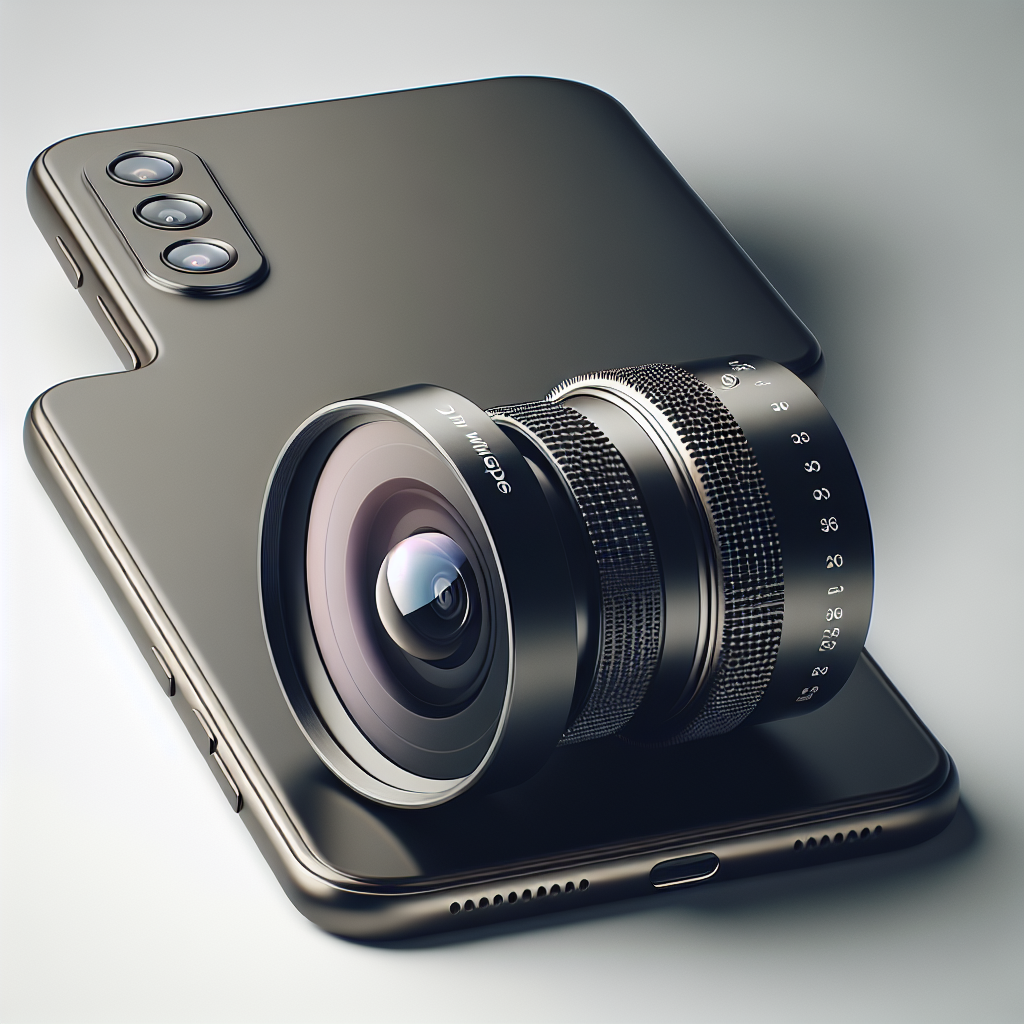
The iPhone’s camera system has evolved significantly over the years, offering users professional-level photography capabilities right from their smartphones. Among the various advancements, the introduction of the Ultra Wide lens stands out as a game-changer for many photography enthusiasts and casual users alike. This comprehensive guide aims to unravel the nuances of the iPhone Ultra Wide lens, exploring its features, capabilities, and tips for leveraging its full potential.
Understanding the Ultra Wide Lens
The Ultra Wide lens is a part of the iPhone’s rear camera system, designed to capture significantly more of the scene in a single frame compared to the standard wide lens. This lens is particularly beneficial for landscape photography, architecture shots, and situations where you want to capture more context without physically stepping back. The typical field of view for an Ultra Wide lens is around 120 degrees, which is much wider than the standard wide lens.
Key Features of the Ultra Wide Lens
1. Field of View
One of the standout features of the Ultra Wide lens is its expansive field of view. With approximately 120-degree coverage, this lens allows you to capture more in your frame, making it ideal for sweeping landscapes or large group photos.
2. Aperture
The Ultra Wide lens typically has a fixed aperture, which, in recent iPhone models, is around f/2.4. This aperture size offers a good balance between depth of field and light intake, ensuring sharp images in various lighting conditions.
No products found.
3. Distortion Correction
Due to the wide field of view, images taken with Ultra Wide lenses often suffer from distortion, especially around the edges. The iPhone incorporates advanced software algorithms to minimize this distortion, ensuring that straight lines appear straight and the overall image remains natural-looking.
4. Night Mode
Incorporation of Night Mode in the Ultra Wide lens allows for impressive low-light performance. This feature utilizes machine learning and longer exposure times to brighten images taken in dim environments, retaining details and reducing noise.
5. Macro Photography
Some recent iPhone models with the Ultra Wide lens also support macro photography, enabling users to capture detailed close-up shots. This is achieved by allowing the lens to focus at a much shorter distance compared to traditional lenses.
How to Use the Ultra Wide Lens
1. Switching to Ultra Wide Mode
To utilize the Ultra Wide lens, open the Camera app on your iPhone and look for the zoom options. You will typically find options labeled as 0.5x, 1x, and 2x or 3x, depending on your iPhone model. Selecting the 0.5x option activates the Ultra Wide lens.
2. Composition Tips
When shooting with an Ultra Wide lens, pay attention to composition. The wide field of view can distort elements closer to the lens, so ensure that your main subject is towards the center of the frame to avoid distortion. Also, use leading lines and natural frames to guide the viewer’s eye into the scene.
3. Lighting Considerations
While the Ultra Wide lens performs well in good lighting, it can struggle in low-light conditions due to the smaller aperture. To counter this, make use of the Night Mode feature, or consider additional lighting sources to illuminate your subject.
4. Creative Uses
The Ultra Wide lens opens up a world of creative possibilities. Experiment with shooting from different angles and perspectives to create dynamic, engaging photos. Capture expansive landscapes, towering skyscrapers, or the hustle and bustle of city streets with a fresh perspective.
Benefits of Using the Ultra Wide Lens
1. Versatility
The Ultra Wide lens is incredibly versatile, allowing you to capture a broad range of subjects and scenes. Whether you’re documenting your travels, shooting architectural marvels, or capturing spontaneous moments, this lens adapts to various scenarios effortlessly.
2. Enhanced Storytelling
By capturing more of the environment, the Ultra Wide lens can enhance storytelling in your photography. It provides context and depth, allowing viewers to get a deeper understanding of the scene and the emotions you aim to convey.
3. Space-Constrained Situations
In cramped environments where stepping back to fit everything in the frame isn’t possible, the Ultra Wide lens becomes invaluable. It enables you to capture entire rooms, large groups, or tight spaces without missing any details.
Limitations of the Ultra Wide Lens
1. Edge Distortion
Despite advancements in distortion correction, some degree of distortion, especially at the edges, is unavoidable with Ultra Wide lenses. This can sometimes lead to unnatural-looking images, particularly when human subjects are placed at the frame’s edges.
2. Low Light Performance
While Night Mode has improved low-light capabilities, the smaller aperture of the Ultra Wide lens compared to the standard lens means it can struggle in dim conditions, potentially resulting in noisier images.
3. Limited Optical Zoom
The Ultra Wide lens does not offer optical zoom capabilities, which means it cannot bring distant subjects closer without digital zoom, which can degrade image quality. For subjects at a distance, other lenses in the iPhone’s camera system might be more suitable.
Comparing Ultra Wide Lens Across iPhone Models
Apple consistently refines its camera technology with each new iPhone release. Here’s a brief comparison of the Ultra Wide lens capabilities across recent models:
iPhone 11 Series
The introduction of the Ultra Wide lens was a highlight of the iPhone 11 series. It offered users a 120-degree field of view and distortion correction features, marking the beginning of a new era in iPhone photography.
iPhone 12 Series
The iPhone 12 series built upon these features by incorporating Night Mode for the Ultra Wide lens, enhancing low-light performance. The lens maintained the same field of view, ensuring consistency in wide-angle shots.
iPhone 13 Series
With the iPhone 13 series, Apple introduced sensor-shift optical image stabilization to the Ultra Wide lens, reducing camera shake and allowing for sharper images, especially in handheld shooting situations.
iPhone 14 Series
The iPhone 14 series continued to refine the Ultra Wide lens by enhancing its low-light performance and color accuracy. Improvements in computational photography also contributed to better overall image quality.
Conclusion
The iPhone’s Ultra Wide lens is a remarkable addition to the smartphone’s camera system, offering users the ability to capture more of their world with a single click. Its wide field of view, combined with advanced software features like Night Mode and distortion correction, make it an invaluable tool for both amateur and professional photographers. While it does have some limitations, understanding how to effectively use and compensate for these can lead to stunning, creative photography. Whether you’re an adventurer capturing breathtaking landscapes or a city dweller documenting urban life, the Ultra Wide lens is your gateway to a broader perspective.


