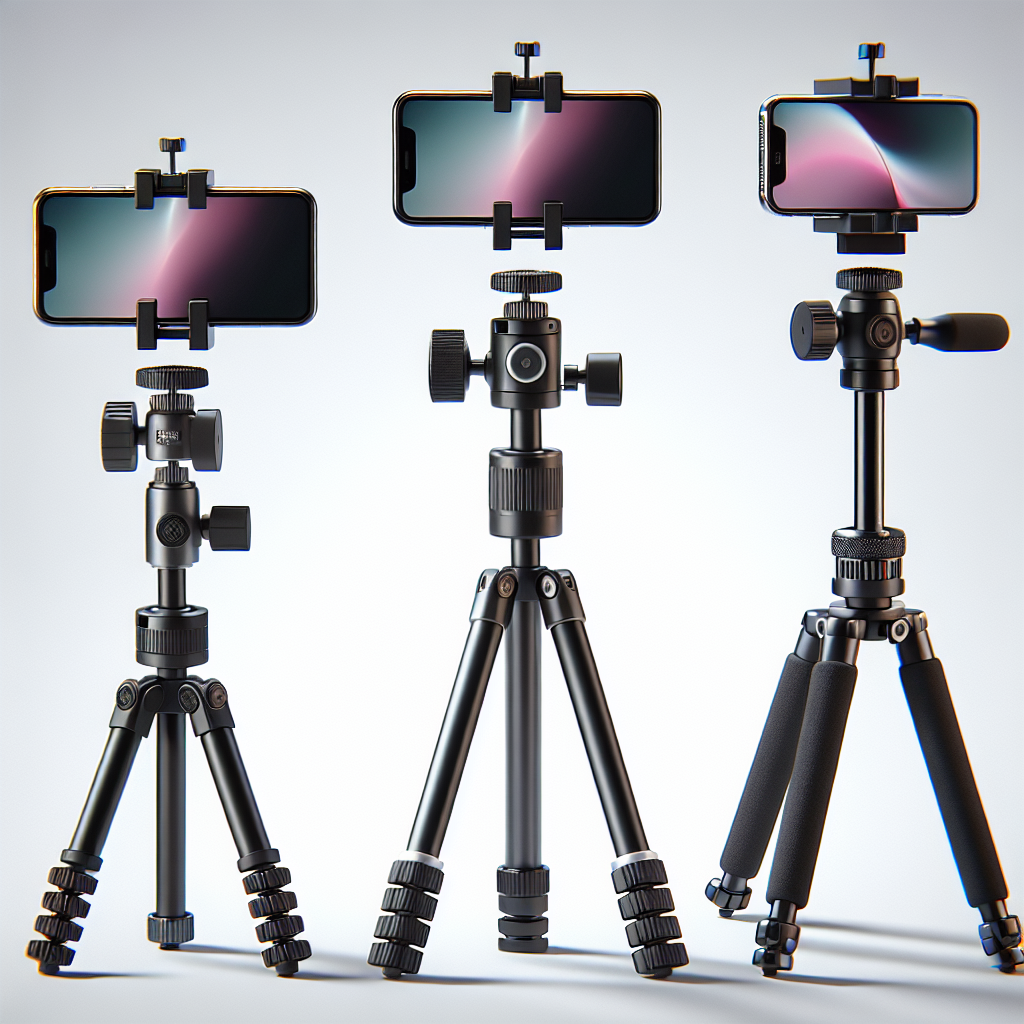
In the digital age, where capturing moments has become second nature, iPhone photography has carved out a significant niche. The combination of advanced camera technology and user-friendly design makes iPhones a popular choice for both amateur and professional photographers. However, to truly elevate your photography skills, you might want to consider using accessories. Instead of investing in expensive gear, why not try crafting some DIY accessories? In this article, we will explore a range of DIY iPhone photography accessories that can help you enhance your shots without breaking the bank.
Understanding the Basics of iPhone Photography
Before diving into the DIY realm, it’s essential to understand the basics of iPhone photography. The iPhone’s camera has evolved significantly over the years, offering features like high-resolution sensors, multiple lenses, and advanced software capabilities. Here are some key aspects to consider:
- Lighting: The foundation of any great photo is good lighting. Natural light is often preferred, but understanding how your iPhone handles low light can also be beneficial.
- Composition: The rule of thirds, leading lines, and framing are all techniques that can enhance your photos’ composition.
- Focus and Exposure: Learning how to manually adjust focus and exposure can give you more control over your shots.
DIY Tripod
A steady hand is crucial for capturing sharp images, but sometimes even the steadiest hands can falter. A tripod is an invaluable tool for achieving stability, especially in low-light conditions or when taking long-exposure shots. Here’s how you can make a simple DIY tripod:
Materials Needed
- Three pencils or sticks of equal length
- Rubber bands
- An elastic band or Velcro strap
Instructions
- Bundle the three pencils together using rubber bands to create a stable tripod base.
- Spread the bottom ends of the pencils to form a tripod shape.
- Use an elastic band or Velcro strap to secure your iPhone to the top of the tripod.
- Adjust the pencils’ position to achieve the desired height and angle.
This simple DIY tripod is portable, lightweight, and can be assembled quickly, making it an ideal accessory for on-the-go photography.
No products found.
DIY Reflector
Reflectors are used to manipulate light, adding dimension and minimizing shadows in your photos. You can easily make your own reflector with household items:
Materials Needed
- A piece of cardboard or foam board
- Aluminum foil
- Glue or tape
Instructions
- Cut the cardboard or foam board to your desired size. A standard size might be 12×12 inches, but you can adjust this based on your needs.
- Cover one side of the board with aluminum foil, using glue or tape to secure it. Ensure the foil is smooth and free of wrinkles.
- Use the reflector by positioning it to bounce light onto your subject, filling in shadows and providing a more balanced exposure.
This DIY reflector is perfect for portrait photography or any situation where you need to control lighting.
DIY Macro Lens
Macro photography allows you to capture intricate details that are often missed by the naked eye. Creating a DIY macro lens can give you a glimpse into this fascinating world without the cost of specialized equipment.
Materials Needed
- An old pair of binoculars or a magnifying glass
- Double-sided tape or an elastic band
Instructions
- If using binoculars, carefully remove one of the lenses. If using a magnifying glass, you can use it as is.
- Attach the lens to your iPhone camera using double-sided tape or secure it with an elastic band.
- Experiment with focusing and distance to capture detailed macro shots.
This simple lens hack can open up a new world of photography, allowing you to capture the minute details of everyday objects.
DIY Lightbox
A lightbox provides consistent and diffused lighting, perfect for product photography or capturing small objects. Here’s how to make one:
Materials Needed
- A cardboard box
- White tissue paper or tracing paper
- White poster board
- Glue or tape
- A utility knife or scissors
- Lamps or LED lights
Instructions
- Cut out large windows on three sides of the box, leaving an inch or two of border.
- Cover the windows with white tissue or tracing paper to diffuse the light.
- Line the inside of the box with white poster board, forming a seamless curve at the back to create an infinity backdrop.
- Place your object inside the box and position your lamps or LED lights outside, shining through the tissue-covered windows.
This DIY lightbox will help you achieve professional-looking photos with minimal shadows and even lighting.
DIY Smartphone Stabilizer
Smooth video footage is key for professional-looking videography. While professional gimbals can be expensive, you can make a simple stabilizer at home:
Materials Needed
- A small counterweight (like a small flashlight or metal bolt)
- A sturdy stick or handle
- Elastic bands or string
Instructions
- Secure the counterweight to one end of the stick with elastic bands or string.
- Mount your iPhone on the opposite end using additional bands or a smartphone holder.
- Hold the stick in the middle, allowing the counterweight to balance your iPhone’s movements.
This DIY stabilizer can help reduce shakes and jitters, giving your video projects a polished look.
Conclusion
With a bit of creativity and some household items, you can craft a range of DIY iPhone photography accessories to enhance your shots. Whether it’s stabilizing your phone for crisp images or manipulating light to achieve the perfect exposure, these accessories can improve your photography without the need for expensive equipment. Remember, the key to great photography is not just the tools you use but the creativity and vision you bring to each shot. So, grab your iPhone and start experimenting with these DIY accessories to unlock your full photographic potential!